
Description
Product Description
\n
\n
\n5 Tokens for VVDI Key Tool Plus Mercedes Password Calculation
\n
\nIf you order at working days, we will add the tokens for you within 8 Working Hours
\n
\nWhen you use VVDI Key Tool Plus to calculate password for BENZ vehicle, you need use token for calculate.
\n
\n1. Overview
\nPassword calculation can get key password through EIS and working key (online)
\nCAN protocol EIS all support password calculation
\nSupport BGA keys and other NEC keys
\nSupport calculate password for NEC v51, v57 keys. No soldering, safe method.
\nData acquisition time depends on the key version. It needs about 3.5 – 13 minutes
\nBGA version need about 5 minutes, some versions only need 3.5 minutes
\nCalculate time in server: 30 seconds – 1 minute
\n
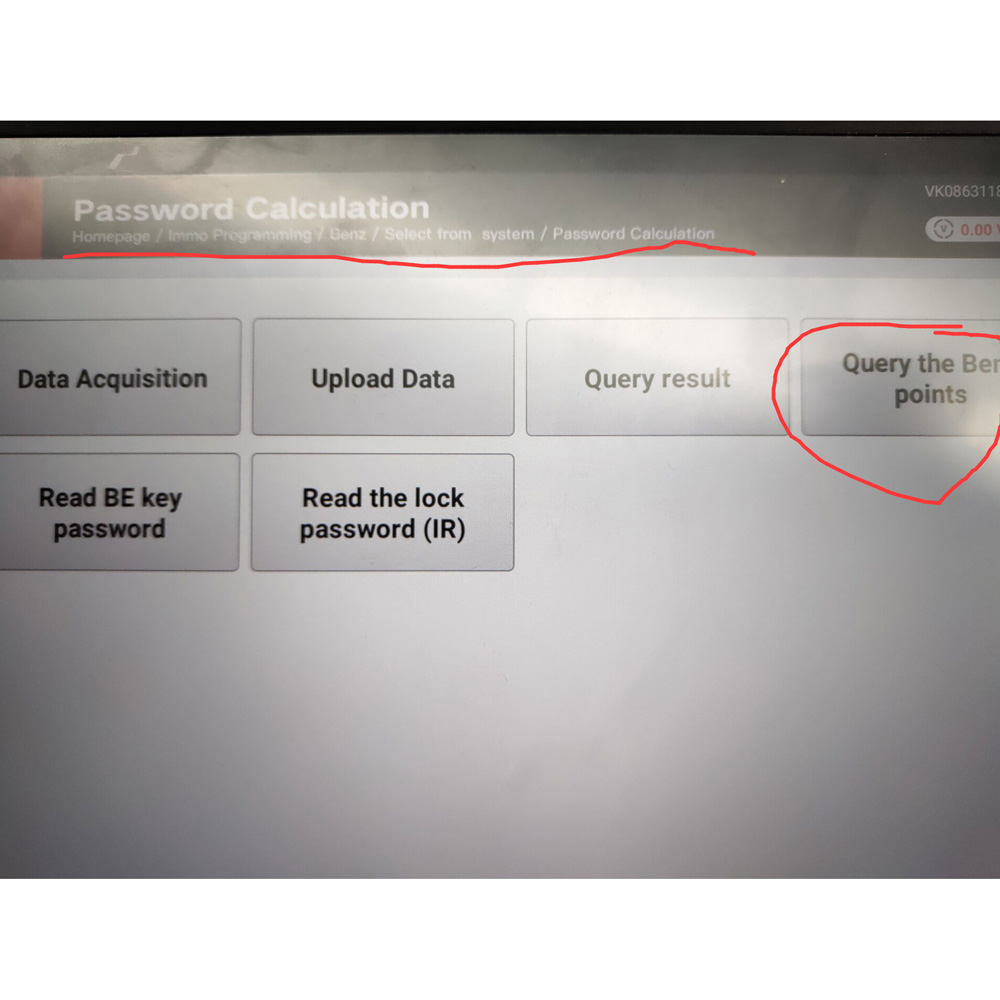
\nWhen Tokens add ok, you can check in your system
\n
\n
\n2.Support type
\n
\nW164
\nW164 2009-
\nW166, 197, 212, 218, 246
\nW169, 209, 211
\nW172, 204, 207
\nW216
\nW221
\nW639 2009-
\n
\n3. Functions
\n
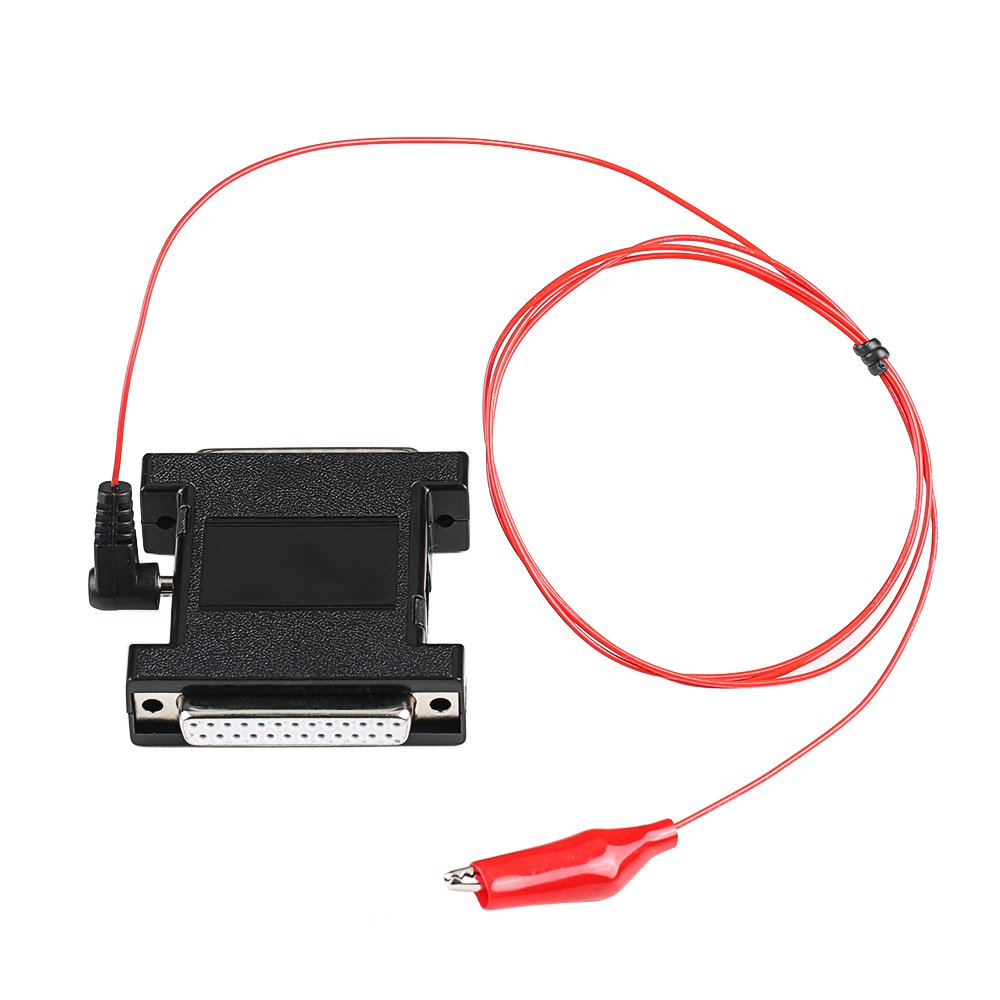
\nMode: OBD and IR adaptor, mode use for communicate with EIS
\nChassis: Select chassis number, you can detect it with auto detect in EIS Tools
\nData Acquisition:
\nPress“Data Acquisition”, it will continue with following steps automatically
\n1) Insert working key to ignition, waiting 15 seconds
\n2) Insert working key to device IR reader, verify key and car
\n3) Data acquisition
\n4) Insert working key to ignition, waiting 30 seconds
\n5) Insert working key to device IR reader, wait end…
\n6) Save acquisition data
\nUpload Data: Upload saved acquisition data to server for calculate password.
\nAttention:Once success calculate password for one SSID, the server will not accept calculate the acquisition data with same SSID in 2 hours. After 2 hours,
\nacquisition data with same SSID upload to server will start with a new task
\nQuery result: Query server calculation result. The password will fill in key password area automatically after success calculation. Use “Copy” copy password to clipboard
\nAuto reflash: Program will auto re-flash server result until there’s no task for this device.You can start data acquisition once more while auto reflash starting
\nStop acquisite after success: If you are run data acquisition while auto reflash running,program will stop the acquisition progress when find correct password
\n
\n4. About query result status
\n
\nQuery result support query calculation result in 24 hours, others don’t support Query result will display Time, SSID, Status, Filename (name when upload to server)
\nStatus has the following types:
\n1) Queuing: number x, require about y minutes, means your task need y minutes
\n2) Processing: requires 1 minutes, means your task need 1 minute to finish
\n3) Password: xxxxxxxxxxxxxxxx (Free), means success find password, “Free” show this task is calculated for free or this task already success calculated before
\n4) Discard: Once you success calculate the password, in 2 hours, the upload acquisition data with same SSID will discard
\n5) Already upload: means the server already have this file in queuing
\n6) Pay for password calculation before upload: means your device doesn’t have authorize for calculation. Contact your dealer and pay for password calculation
\n7) Failed: means this task failed to get password, you can run data acquisition again.Failed task is always free
\n
\nHow to see the tokens?
\n \n
\n

Reviews
There are no reviews yet.