
Description
Product Description
\n
\n
\nVVDI MINI OBD Tool
\n
\nMini OBD Tool APP Multi-Language: English
\nOther languages need to be authorized by local dealer.
\n
\nMINI OBD TOOL is ultra-reliable and easy to use for beginners in the industry. It is MINI, just like its name, but way more powerful concerning the diversity in its functions. Many people say it’s a perfect partner of KEY TOOL MAX which are able to perform amazing functions together like immo programming for thousands of cars. Last year, maintenance functions of MINI OBD TOOL were launched, making it even more competitive among tools in its class. It’s realized by the continuous innovation of Xhorse tech engineers.
\n
\nMINI OBD Tool Hightlights:
\n1.EU/UK/US Ship No Tax
\n2.Support work with both Xhorse APP and Key Tool Max.
\nPlease update Xhorse app to newest Version, vvdi mini obd tool can Work With Xhorse APP Now.
\n3.MINI OBD Tool Firmware: V1.3.1
\n4.MINI OBD TOOL can connect with specific software or hardware by WIFI, WLAN or USB interface.
\n5.Own ECU data of over 850 car models of 80 brands worldwide
\n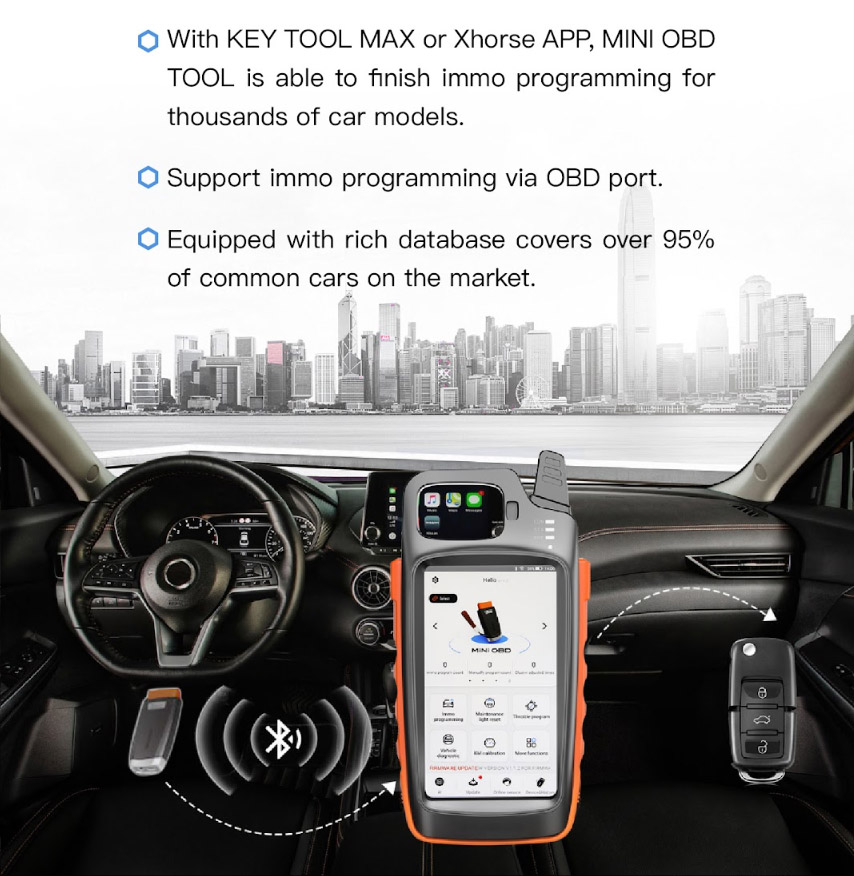
\n
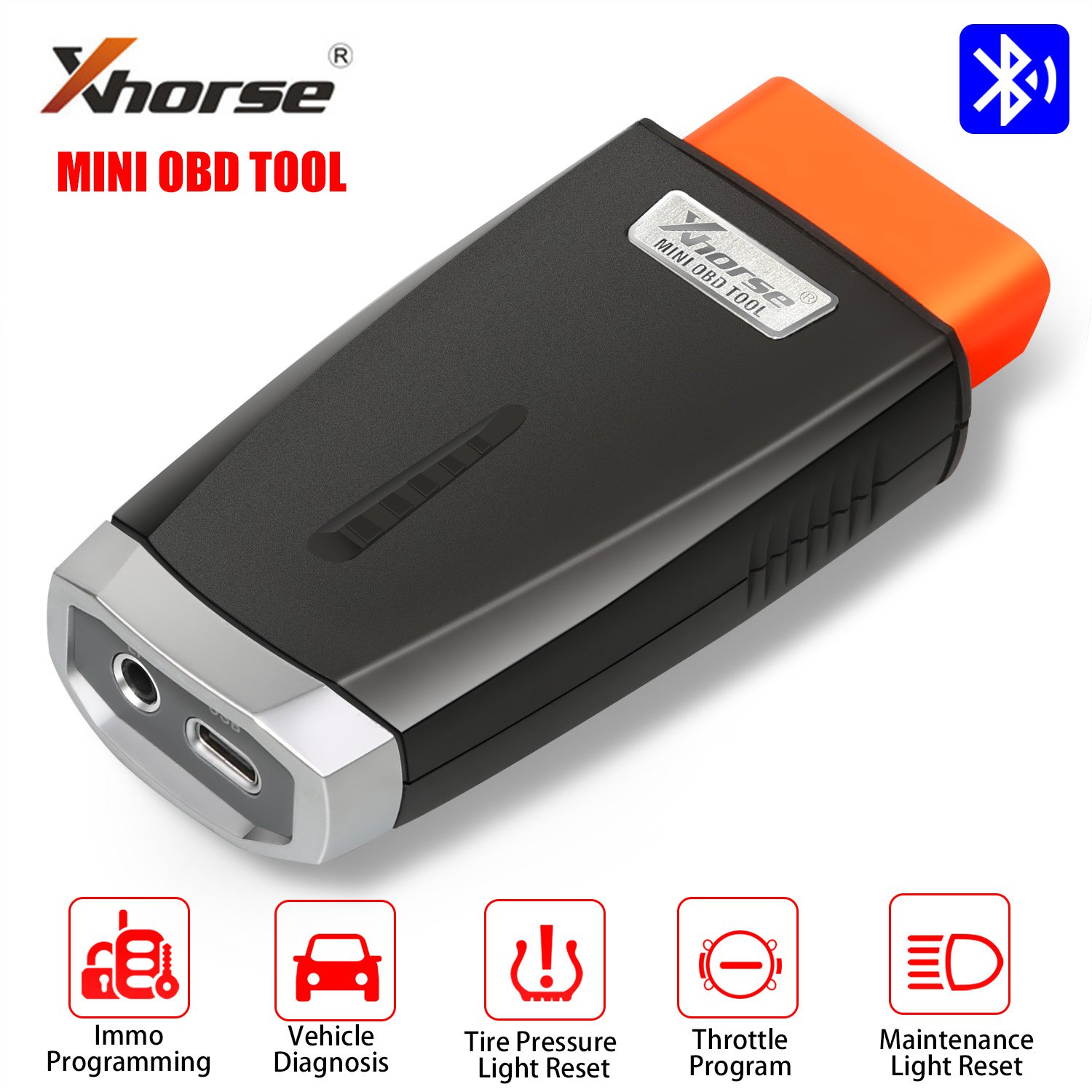
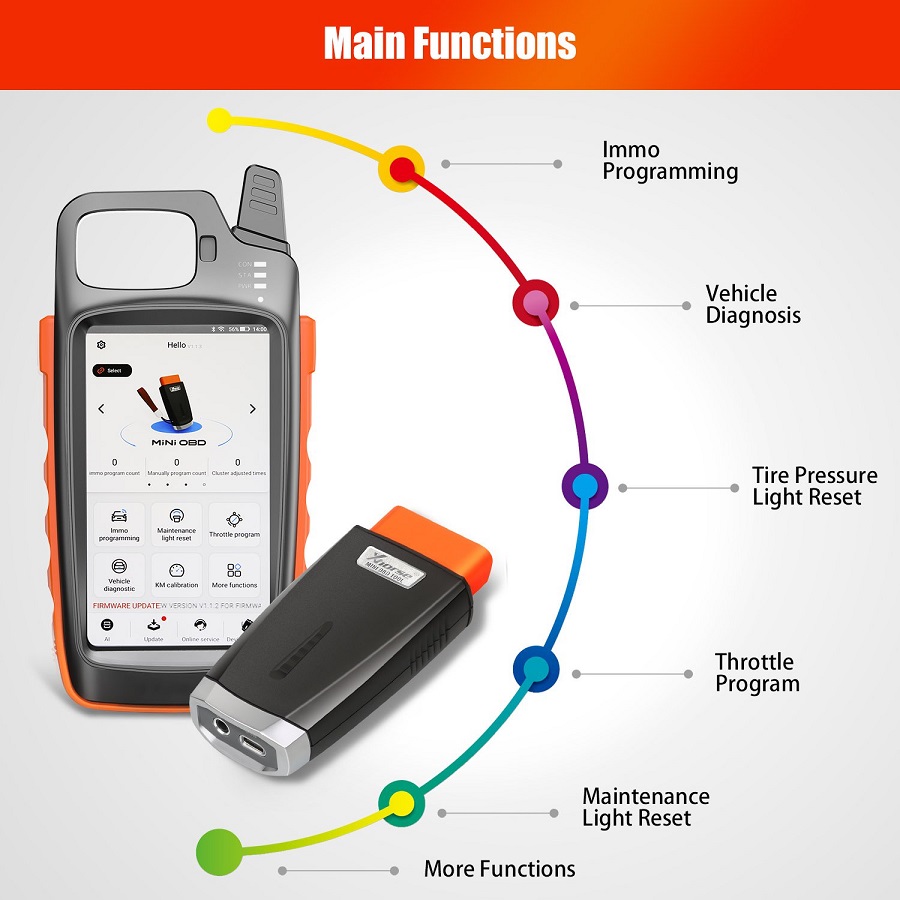
\nMini OBD Tool Main Functions:
\n1.Immo programming
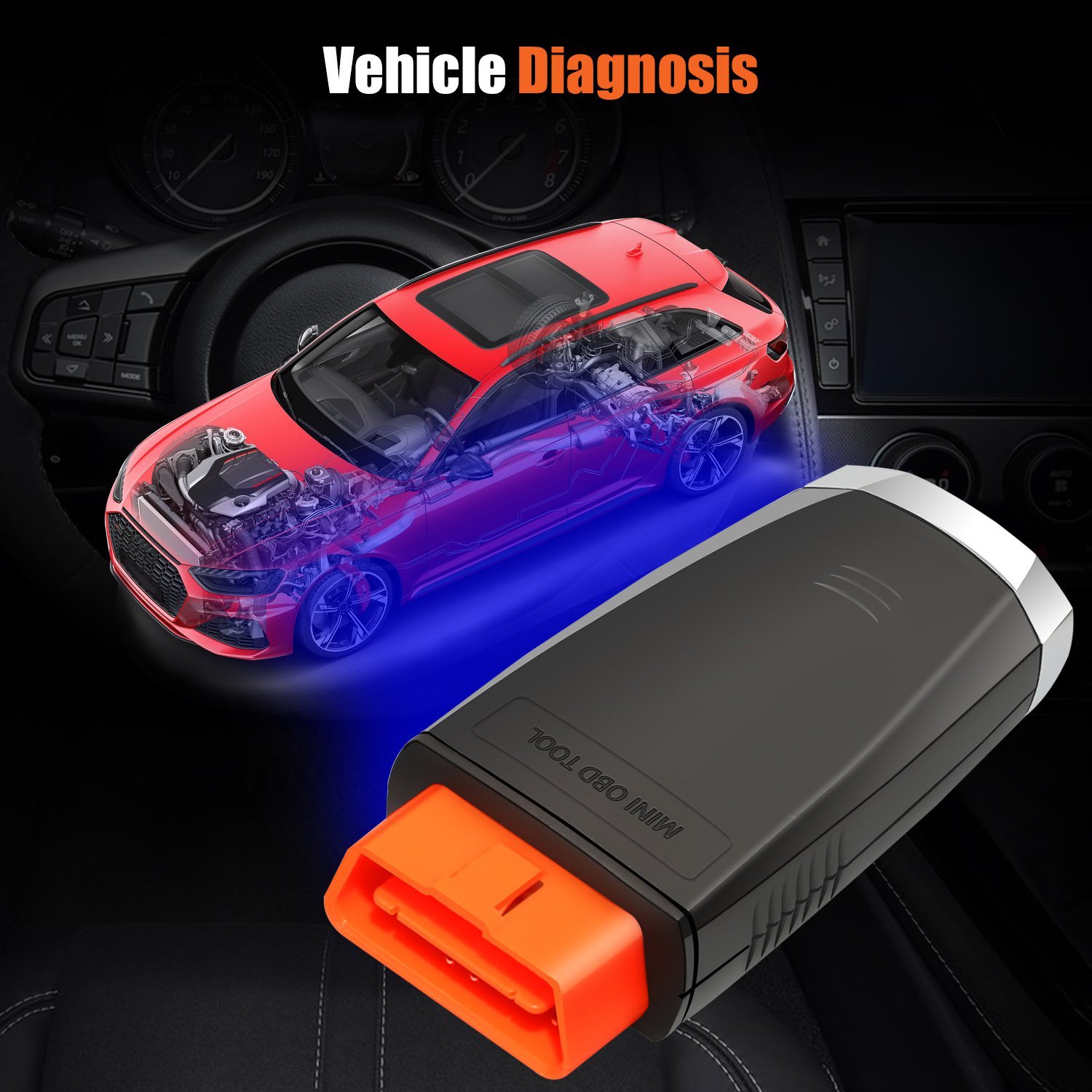
\n2.Vehicle Diagnosisï¼Not yet openï¼
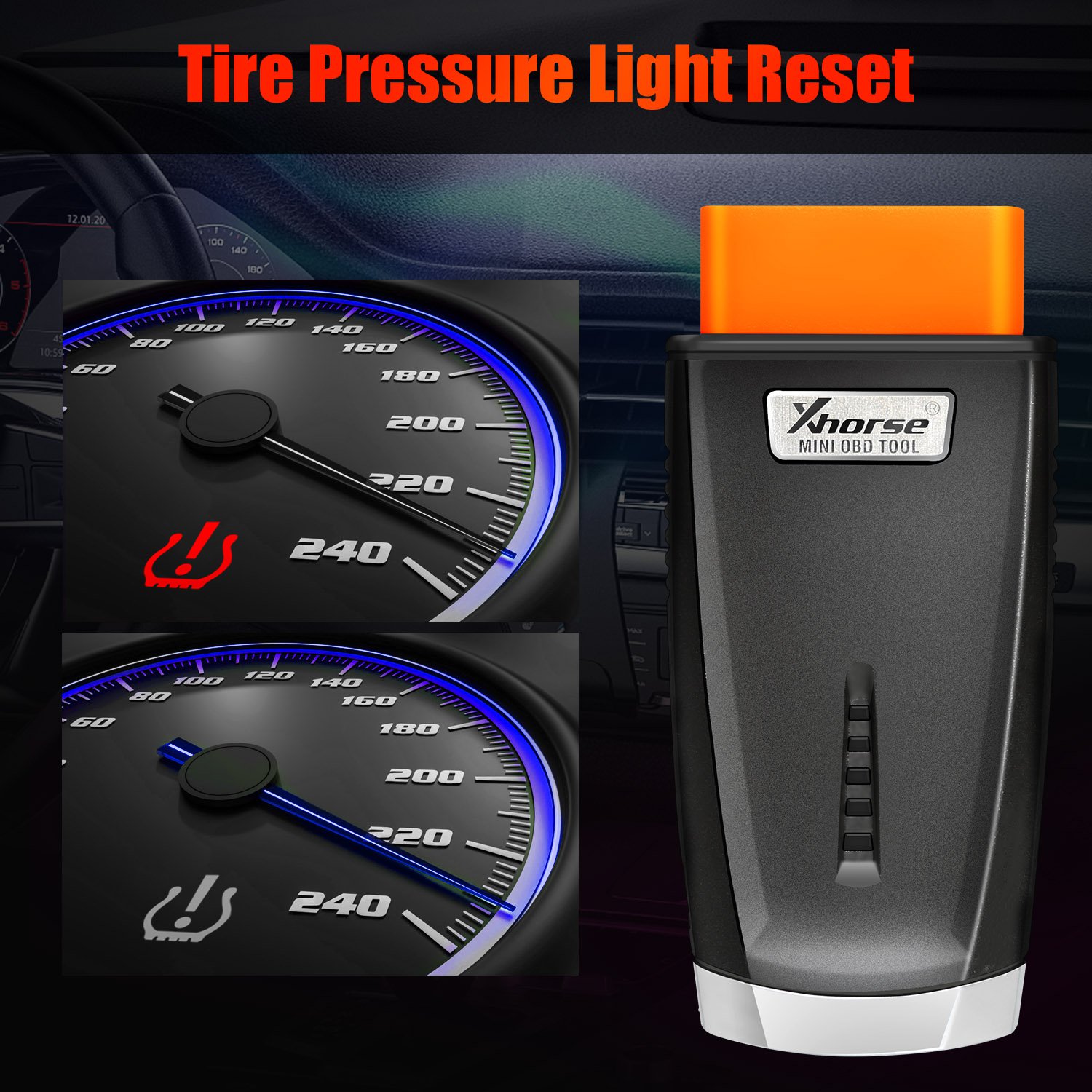
\n3.Tire Pressure Light Resetï¼Not yet openï¼
\n4.Throttle Programï¼Not yet open)
\n5.Maintenance Light Resetï¼Not yet openï¼
\n
\n
\nMini OBD More Functions:
\n1.Battery Programmingï¼Not yet openï¼
\n2.KM Correctionï¼Not yet openï¼
\n3.Steering Angle Calibrationï¼Not yet openï¼
\n4.Key code learningï¼Not yet openï¼
\n5.EABS Programmingï¼Not yet openï¼
\n6.Remote manual programmingï¼Not yet openï¼
\n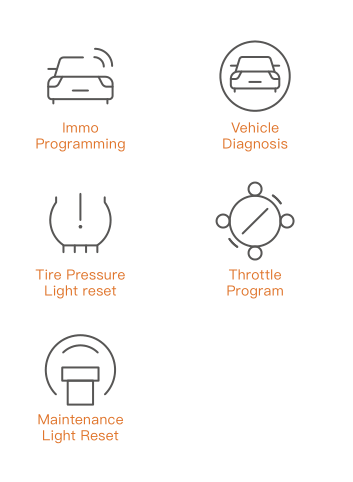
\n
\nXhorse APP Mini OBD Tool Functions list :
\n1.Immo Programming
\n2.8A immo box all key lost
\n3.Collect testing Data
\n4.Self-query password
\n5.Maintenance light reset
\n6.Throttle program
\n7.TPMS
\n8.Steering Angle Programming
\n9.More Functions
\n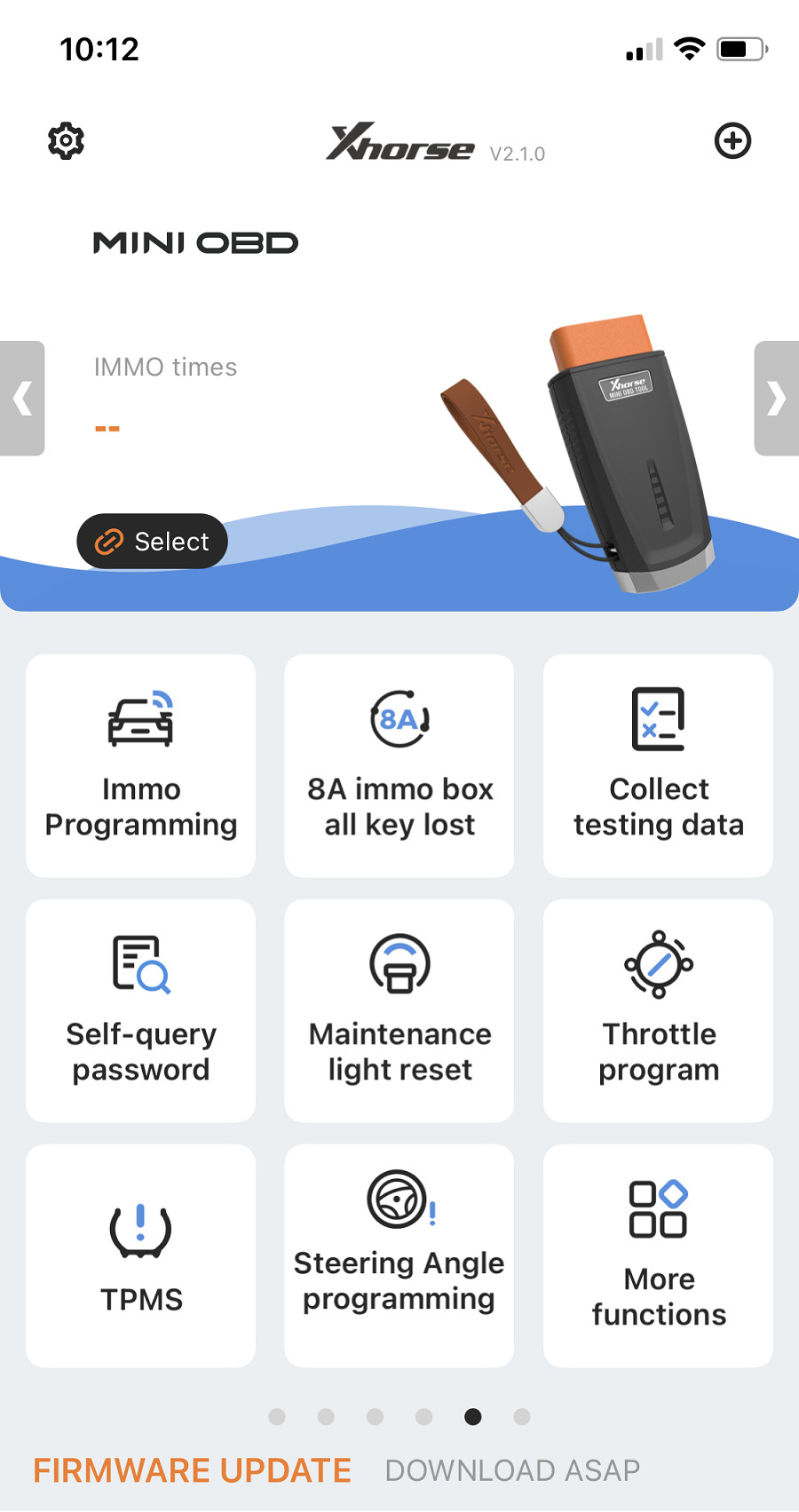
\n
\nNow just Immo Programming Function,8A Immo All key lost (Iphone no support 8A) and Collection Testing Data Function Release
\nOther functions are under development,will release in the future.
\n
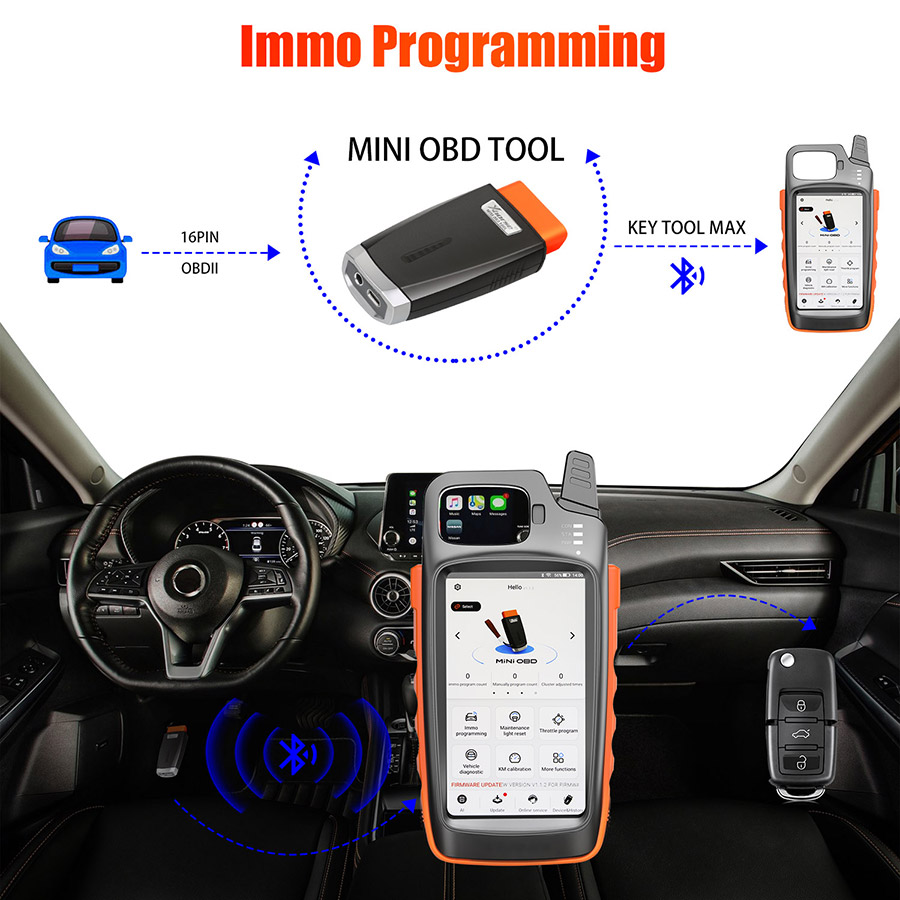
\nVVDI MINI OBD Tool IMMO Program Function:
\nSupport reading vehicle data (immobilizer, remote, and transponder, etc) while MINI OBD TOOL is plugged into the car.
\nThe vehicle data will be directly displayed on the KEY TOOL MAX screen/smartphone, and used to instantly generate transponders and remotes.
\n
\n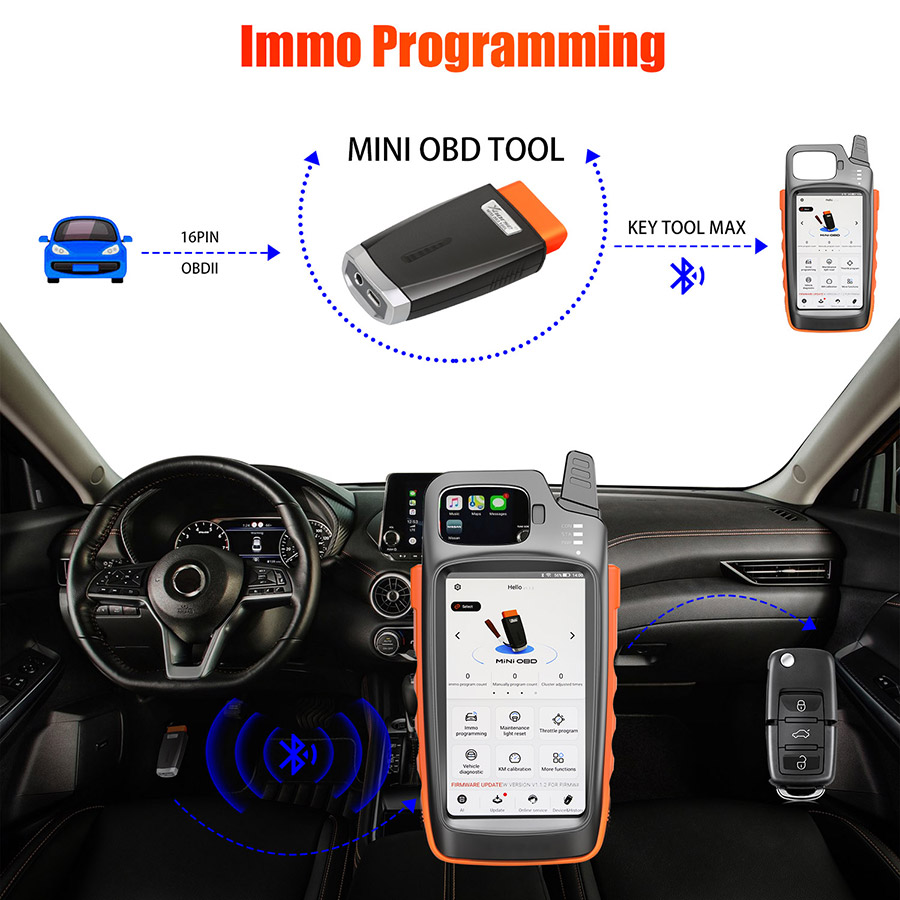
\n
\nHow to Connect Mini OBD with Key Tool Max?
\nThere are 3 ways for Key Tool Max connect to MINI OBD TOOL:
\n1–USBTYPE-C cable
\n2–WIFI
\n3–Bluetooth
\n1) Click on the [Select] on the HOME page,available device will be shown on the screen,choose device to connect according to Serial Number
\n2) Software will detect current device with software interface connection status,WLAN connection status and WIFI connection status.
\n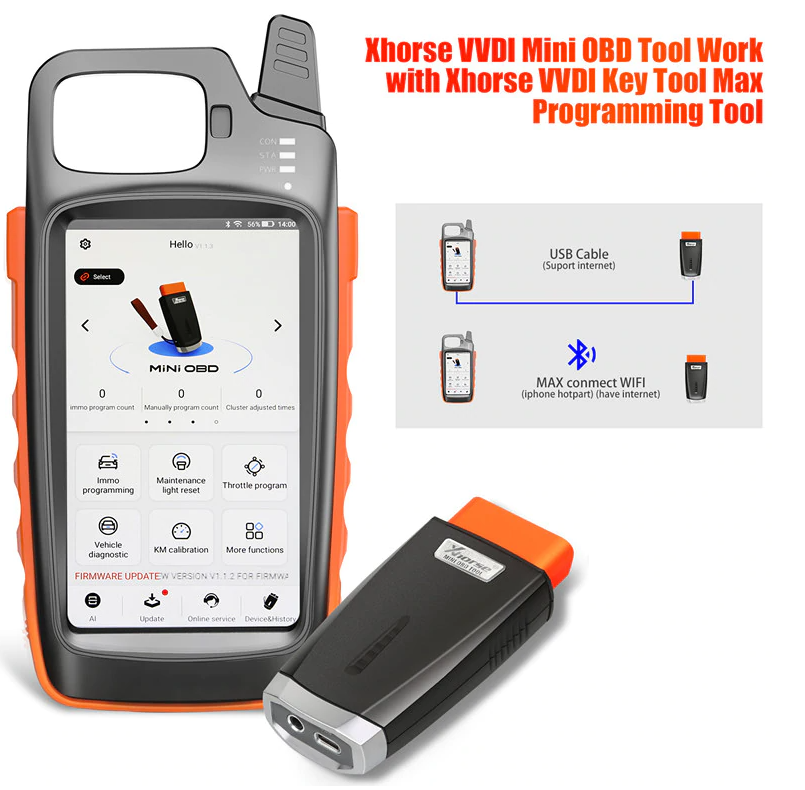
\n
\nVVDI KeyTool Max & Mini OBD Tool Update steps:
\nUpdate need around 10 minutes, ensure device with enough power at least remain more than 20%.
\nDon’t press Power button while update.
\n1.Firmware update. Download the Xhorse Upgrade Kit.
\n Install it on PC, make sure Internet-connected online.
\n2. Connect white USB cable provided on Mini OBD Dongle to PC USB.
\nOr connect mini obd tool with vvdi key tool max to update firmware.
\nConnect WIFI ensure internet is good.
\nThe upgrade kit will Auto Detect your device and update to the next version.
\n
\nV1.3.1 VVDI MINI OBD Tool Update Info:
\n1.add some vehicle data
\n
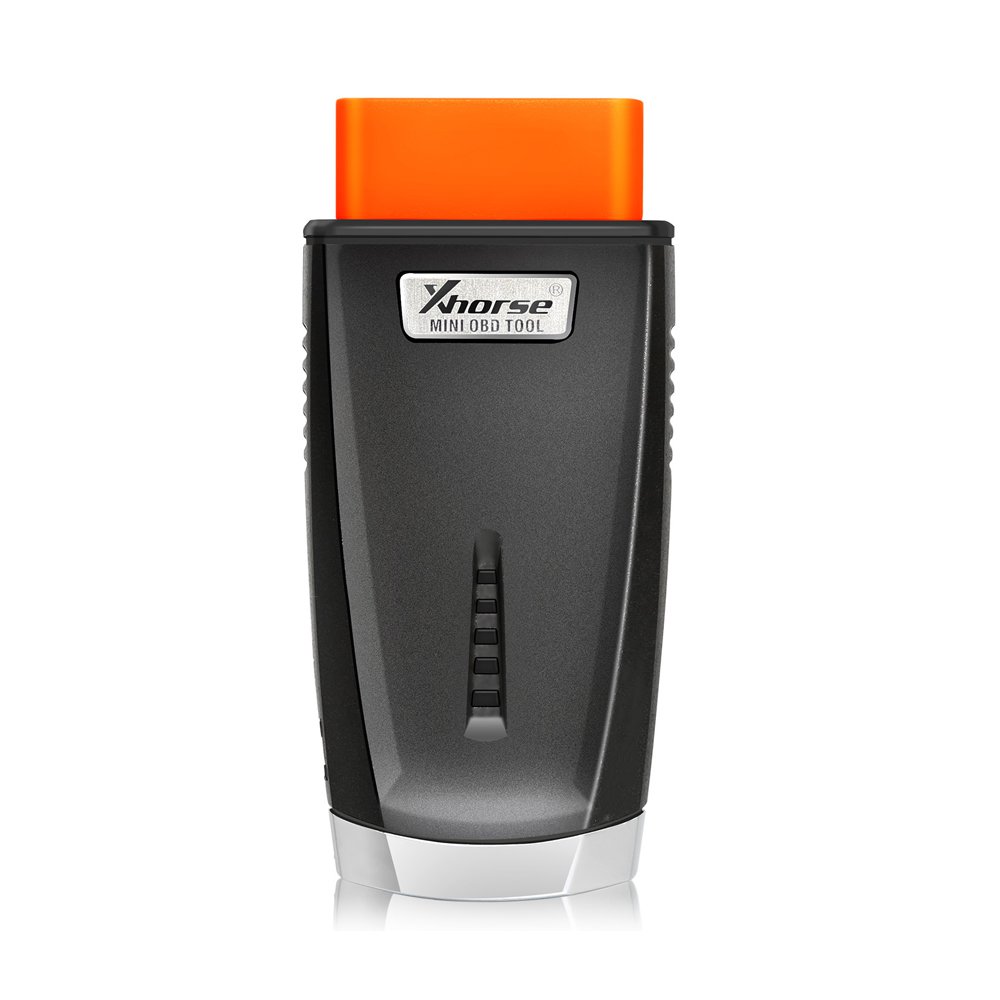
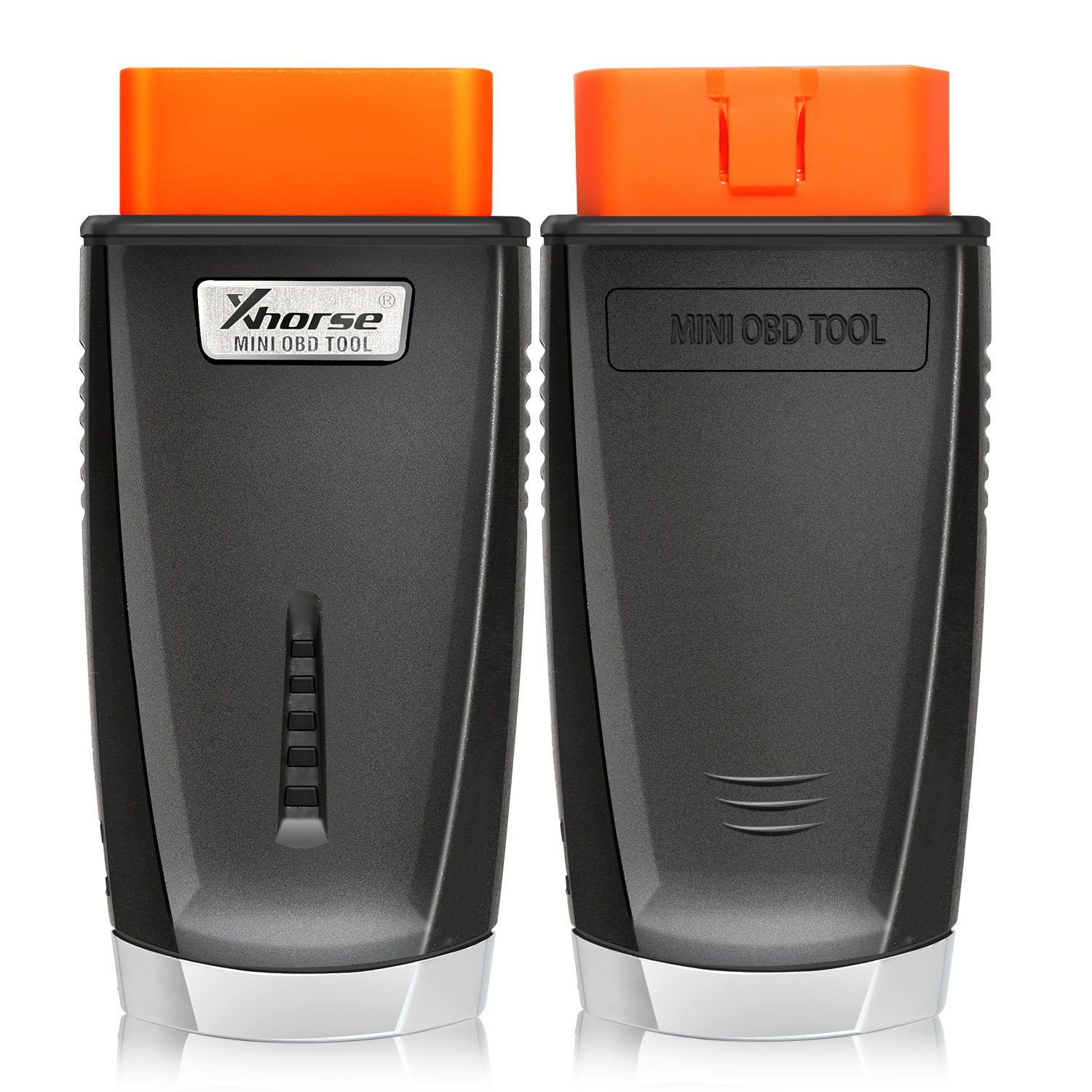
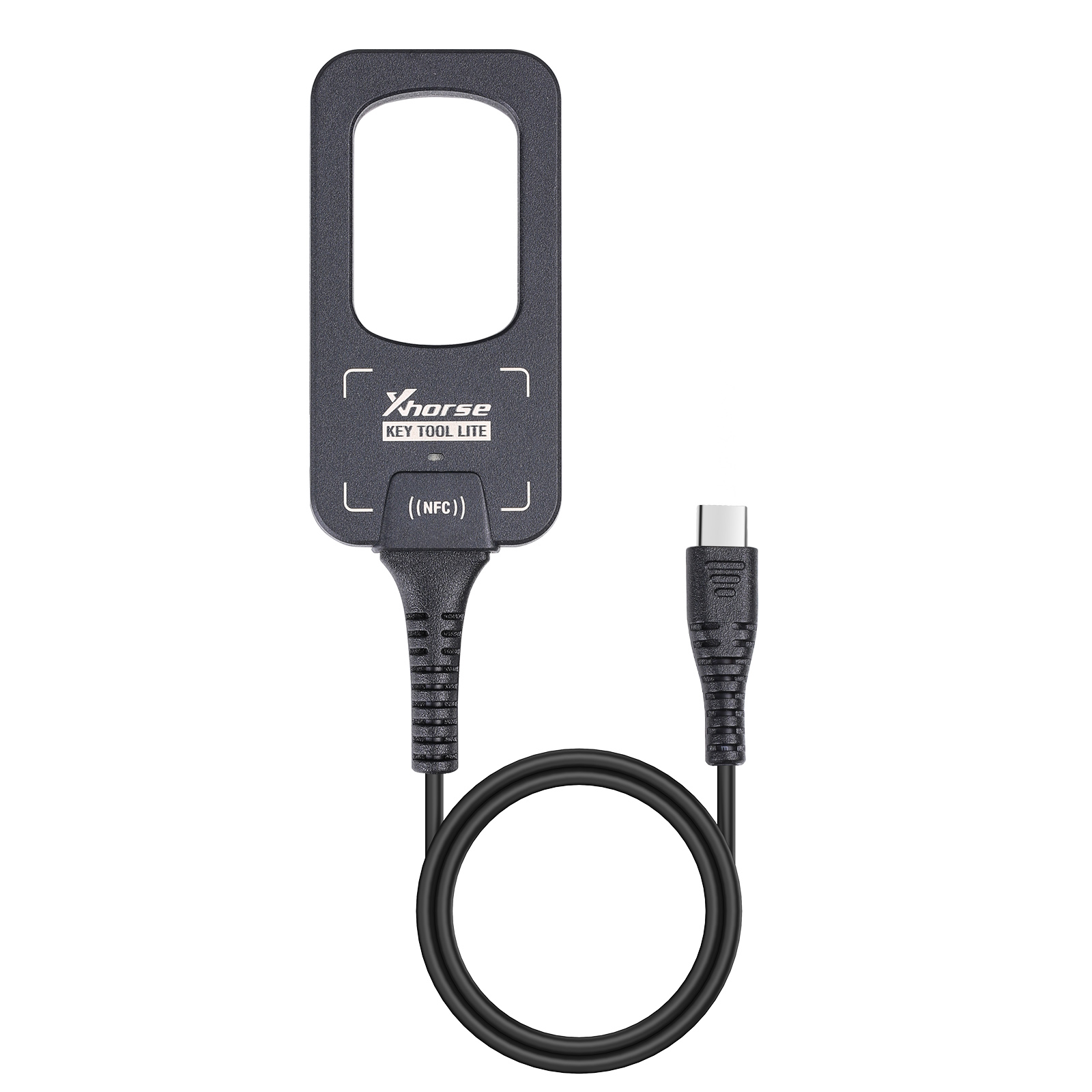
\nMini OBD Appearanceï¼
\n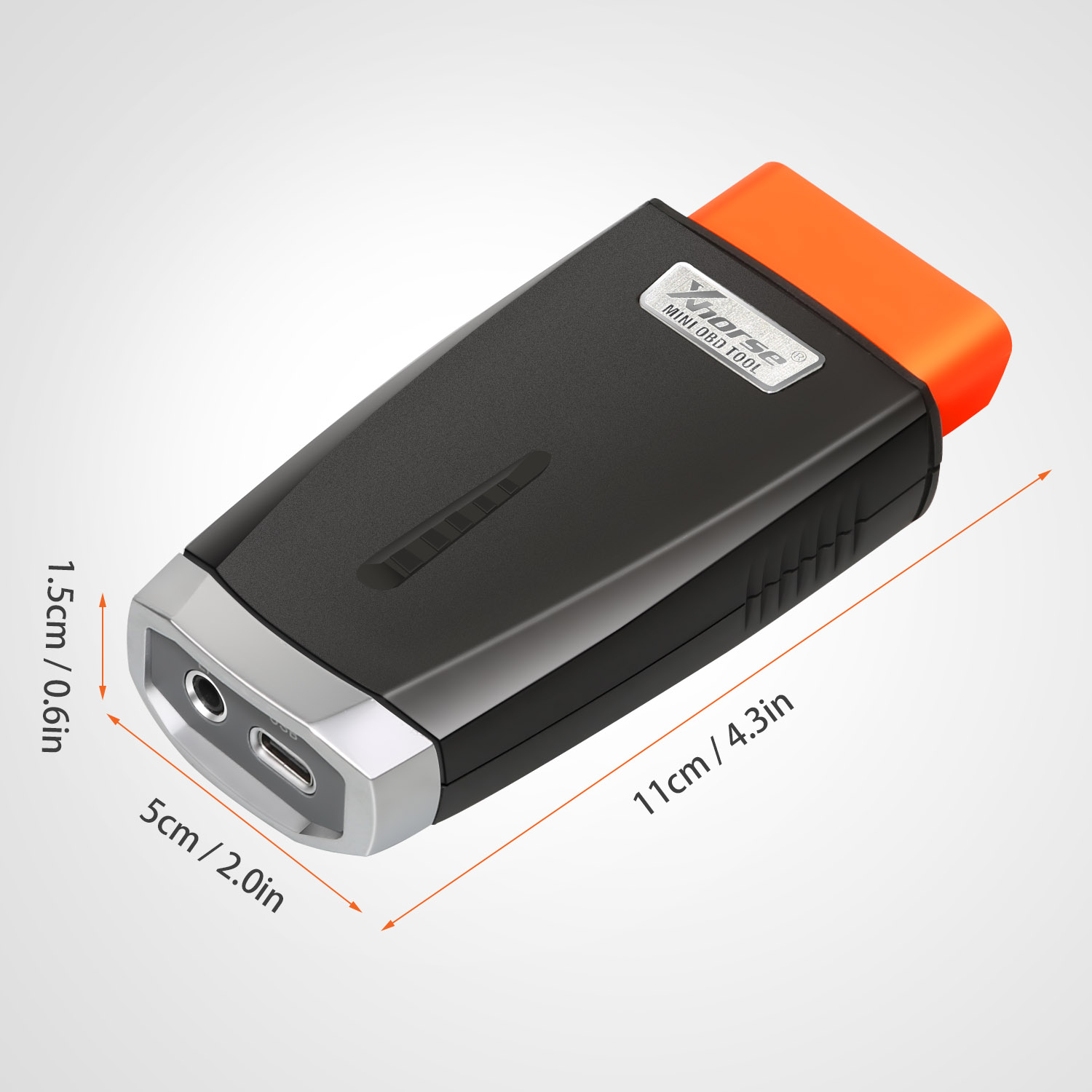
\n
\nMini obd Tool Package List:
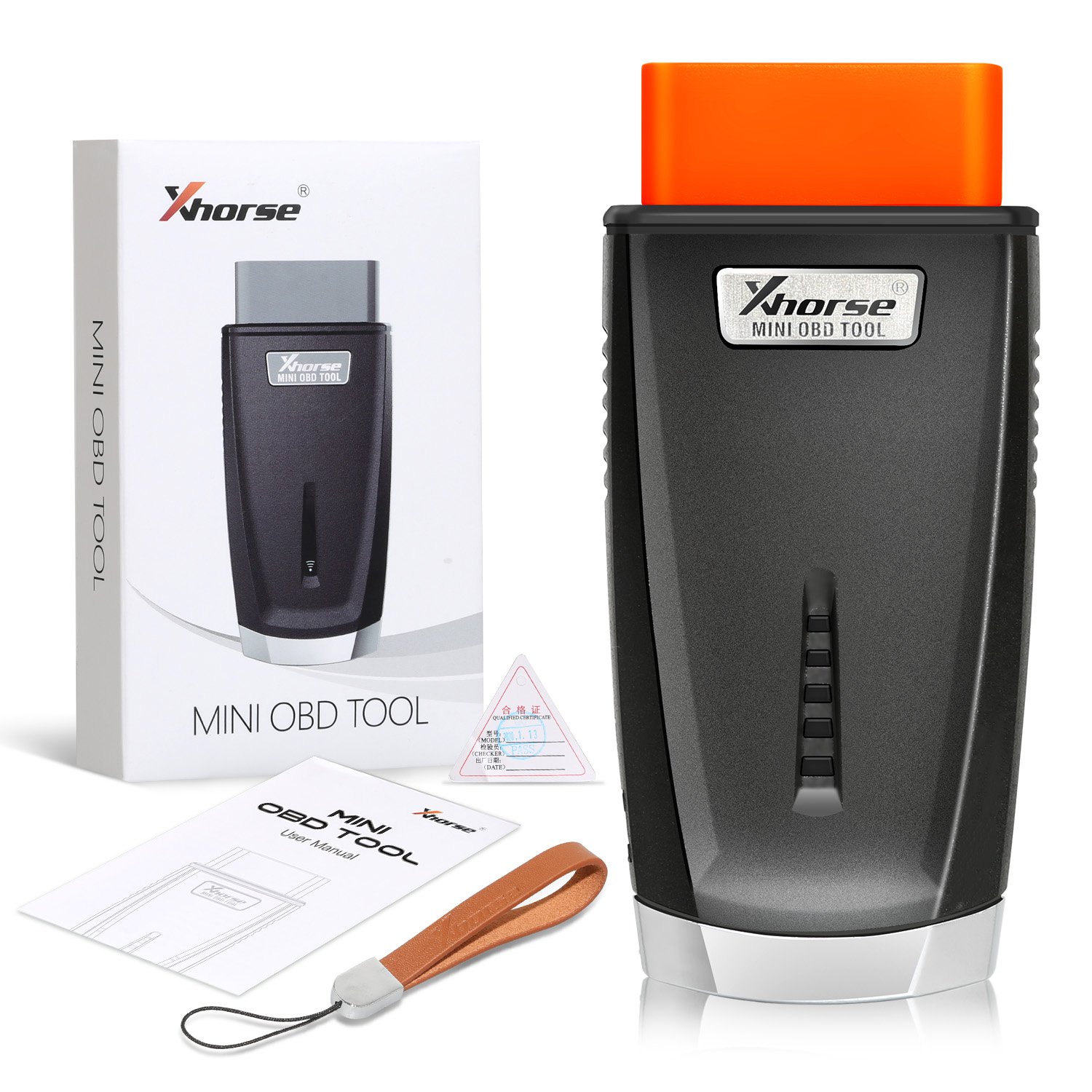
\n1pc*VVDI MINI OBD Tool
\n
\n
Reviews
There are no reviews yet.