
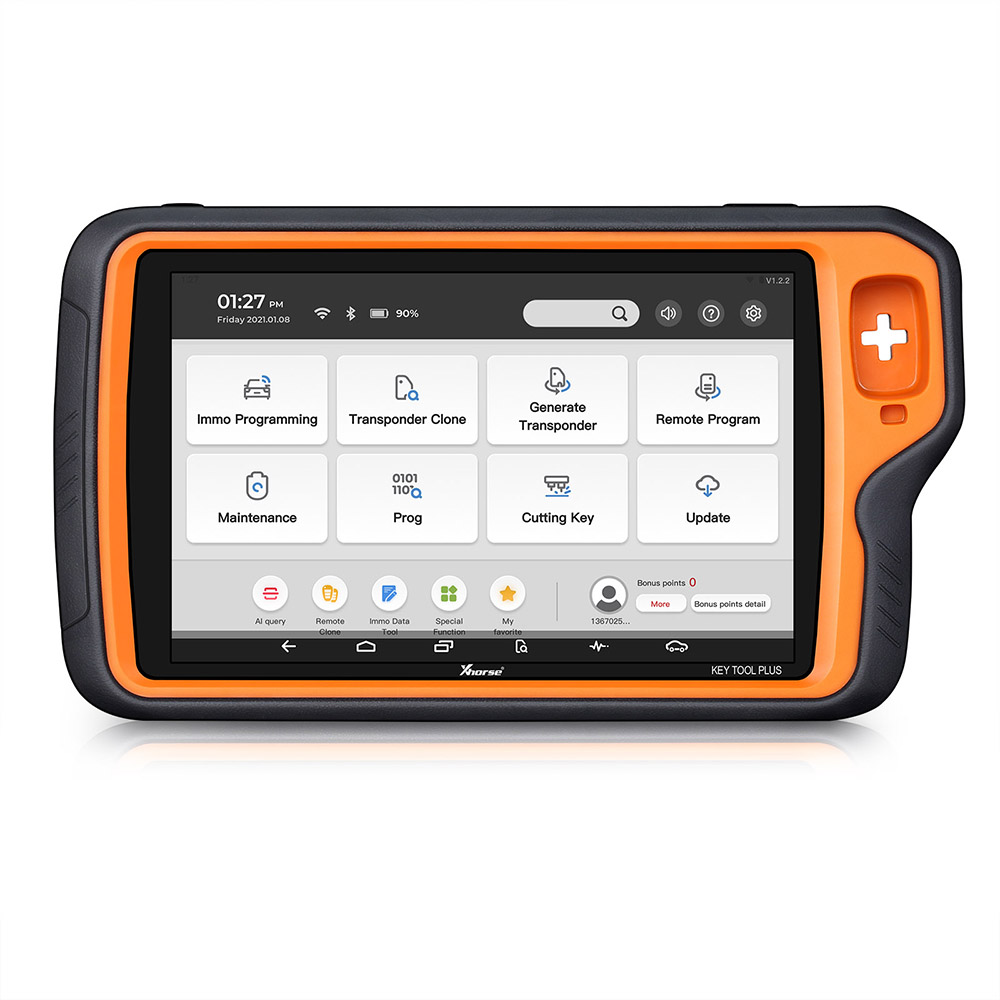
Description
Product Description
\n
\n
\nVVDI Key Tool Max with VVDI MINI OBD Tool and Free Xhorse Renew Cable
\n
\nThis package VVDI Key Tool Max and MINI OBD Tool and Renew Cable
\nEU/UK/US/CZ Warehouse Fast Shipping NO TAX
\n
\nVVDI Key Tool Max Multi-Language: English, German, Spanish, Persian, French, Hebrew, Hindi, Indonesian, Italian
\nKorean, Polish, Portuguese, Russian, Thai, Turkish, Ukrainian, Vietnamese (free to switch now)
\nMini OBD Tool APP Multi-Language: English
\nOther languages need to be authorized by local dealer.
\n
\nVVDI Key Tool Max Highlights:
\n1.Contain all VVDI Key Tool and MINI Key Tool functions.
\nThe remote/transponder function is the same as the previous
\nand the renew remote same like KeyTool
\nSupport Generate transponder and remote.etc
\n
\n2.Added IC Copy function.
\n3.HD LCD screen with clear interface, easy to use and flexibility.
\nAnd can connnect the dolphin to cut the key for the customer.
\n
\n4.Enter the car directly using KEY TOOL MAX+MINI OBD for matching.
\nThe entire process can be seamlessly connected without switching devices.
\n
\n5. KEY TOOL MAX + MINI OBD TOOL can not only match the chip remote control of imported domestic cars,
\nsmart card, but also Toyota H chip will be released first on KEY TOOL MAX.
\n6. File Make Key Upgrade for Free
\n
\n7.Get free ID48 96bit function. Please use VVDI Max tool to generate Xhorse new remote key 10pcs
\nafter collect points,1 hour later,server will open ID48 96bit function free.
\n
\nHow to get free ID48 96bit function?
\nPlease use VVDI Max to generate Xhorse new remote key 10pcs
\nafter collect points,1 hour later,server will open ID48 96bit function free.
\nAnd this is the VVDI Key Tool Max User Manual
\n
\nPlease Know: This product is Key Tool MAX only
\n
\nif you need Key Tool Max+MINI OBD Tool bundle package,please check: SK285-SK287
\n
\nVVDI Key Tool Max Function:
\n
\n1.Transponder Editing & Cloning
\n Support identify most of the immobilizer transponders launched on the transponder market.
\n Support Editing and Copy of most common transponders.
\n
\n2. Generate Transponder
\n Support generate immobilizer transponders for over 850 car models of 80 brands worldwide;
\n Support generate immobilizer transponders and write immobilizer data,
\n especially for some special car models, old car models, etc.
\n
\n3. Frequency Detection
\n Support the power test within the range of 300-450MHz;
\n
\n4. Generate Remote
\n Support remote generation of over 2000 vehicle models of 200 brands worldwide;
\n Support HCS/Fixed code cloning, support non-HCS rolling code cloning,
\nsupport fixed code editing such as PT22XX, LX918, HT6P20, VD5026, AX5326, HT12X, etc.
\n
\n5. Generate Garage Remote
\n Support recognize and copy common ID & IC cards for unlocking Community door locks.
\n
\n6. Work with DOLPHIN XP-005
\n KEY TOOL MAX can be connected with the DOLPHIN XP-005 via Bluetooth;
\nThe operating screen of KEY TOOL MAX can fulfill the same function of the DOLPHIN XP-005 to perfectly complete automatic key cutting work.
\nKEY TOOL MAX can be connected with Dolphin XP-005 key cutting machine via bluetooth
\nto be used like operating screen of Dolphin XP-005.
\nWe will update more info once Key Tool Max release,please excepting!
\n
\n
\n7. Frequency Detection and Copy Remote
\n Support the power test within the range of 300-450MHz.
\n
\n8. Rich Database
\n The Built-in abundant and thorough database which covers key pictures, transponder types, key blanks, and remote matching data, etc.
\n
\n9. Copy Access Card
\n Support recognize and copy common ID & IC cards for unlocking Community door locks.
\n
\n10. Honda H Transponder
\n Activate the function of Honda H transponder generation;
\n
\n11. Remote Renew :
\n VVDI Max if you need the function,please choose free with Renew Cable,then use renew function is OK.
\n
\n12.Connect to MINI OBD TOOL
\nThere are 3 ways for KEY TOOL MAX connect to MINI OBD TOOL:
\nUSB TYPE-C Cable,WIFI,Bluetooth
\n
\nXhorse Key Making Process:
\n
\n
\n
\n
\nVVDI Key Max Appearance:
\n

\n
\n
\nKeyTool Max File Make Key Vehicle List:
\n
\nEurope
\nAlfa Romeo Aprillia Aston Martin Audi Bentley BMW Citroen Dacia DAF Ducati Ferrari Fiat Gilera Iveco Jaguar Lancia LOV MAN Maserati
\nMercedes Benz Opol Peugeot Piaggio Polonez Porsche Renault Rover Saab Scania Seat Skoda Smart TagAZ UAZ VAZ Volvo VW
\n
\nNorth American
\nBombardier Buick Cadillac Chevrolet Chrysler Dodge Ford GMC Jeep Lincoln Oldsmobile Pontiac
\n
\nAsia
\nAcura Besturn Brilliance Chang An Chery China Immobox Daewoo Daihatsu Geely Great Wall Haima Honda Hyundai IKCO Infiniti Isuzu
\nKawasaki Kia Lexus Mazda Mitsubishi Nissan Proton SaicMotor Saipa SsangYong Subaru Suzuki Tata Toyota Yamaha
\n
\n
\n
\nVVDI Key Max Parameter:
\nBattery capacity: 3375mAh
\nBattery life>6 hours
\nStandby time>5 days
\nRecharging current: 1500mAh
\nBrightness>400nlts
\nScreen resolution: 1280*720P
\nCamera resolution: 800W
\n
\nVVDI Max vs VVDI MINI
\n1.VVDI key tool max contain screen , it can work with VVDI MINI OBD Tool and Dolphin XP005.
\n2.VVDI key tool maxand vvdi mini transponder/remote function is almost the same
\nBut for some keys need to generate online then you can only use the vvdi2 or vvdi key tool max
\n3.VVDI key tool max ID48 96bit function needs to generate 10 xhorse remote keys to get.
\nBut VVDI MINI ID48 function is free,and one token free everyday for 1 Year.
\n
\nPackage List of Key Tool Max:
\n1* VVDI Key Tool Max device
\n1* USB cable
\n1* Remote generate cable
\n1* User manual
\n
\nMINI OBD Tool Hightlights:
\n1.EU/UK/US Ship No Tax
\n2.Support work with both Xhorse APP and Key Tool Max.
\nPlease update Xhorse app to newest Version, vvdi mini obd tool can Work With Xhorse APP Now.
\n3.MINI OBD Tool Firmware: V1.3.1
\n4.MINI OBD TOOL can connect with specific software or hardware by WIFI, WLAN or USB interface.
\n5.Own ECU data of over 850 car models of 80 brands worldwide
\n
\nMini OBD Tool Main Functions:
\n1.Immo programming
\n2.Vehicle Diagnosisï¼Not yet openï¼
\n3.Tire Pressure Light Resetï¼Not yet openï¼
\n4.Throttle Programï¼Not yet open)
\n5.Maintenance Light Resetï¼Not yet openï¼
\n
\n
\nMini OBD More Functions:
\n1.Battery Programmingï¼Not yet openï¼
\n2.KM Correctionï¼Not yet openï¼
\n3.Steering Angle Calibrationï¼Not yet openï¼
\n4.Key code learningï¼Not yet openï¼
\n5.EABS Programmingï¼Not yet openï¼
\n6.Remote manual programmingï¼Not yet openï¼
\n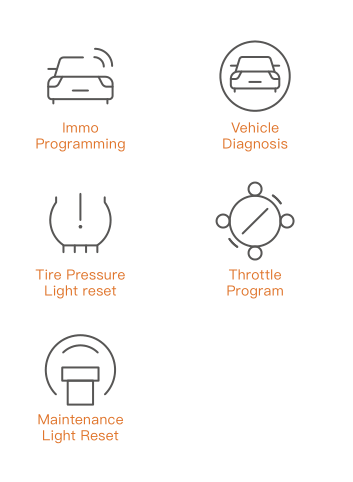
\n
\nXhorse APP Mini OBD Tool Functions list :
\n1.Immo Programming
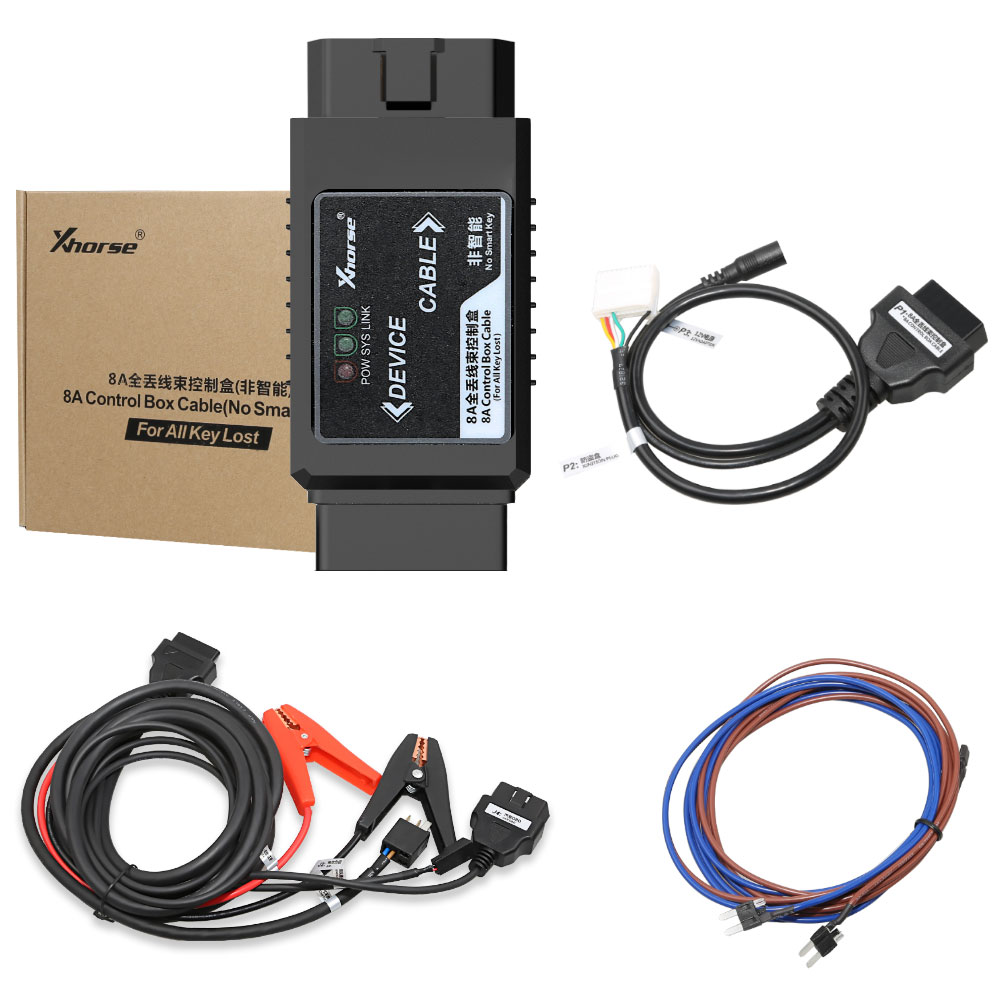
\n2.8A immo box all key lost
\n3.Collect testing Data
\n4.Self-query password
\n5.Maintenance light reset
\n6.Throttle program
\n7.TPMS
\n8.Steering Angle Programming
\n9.More Functions
\n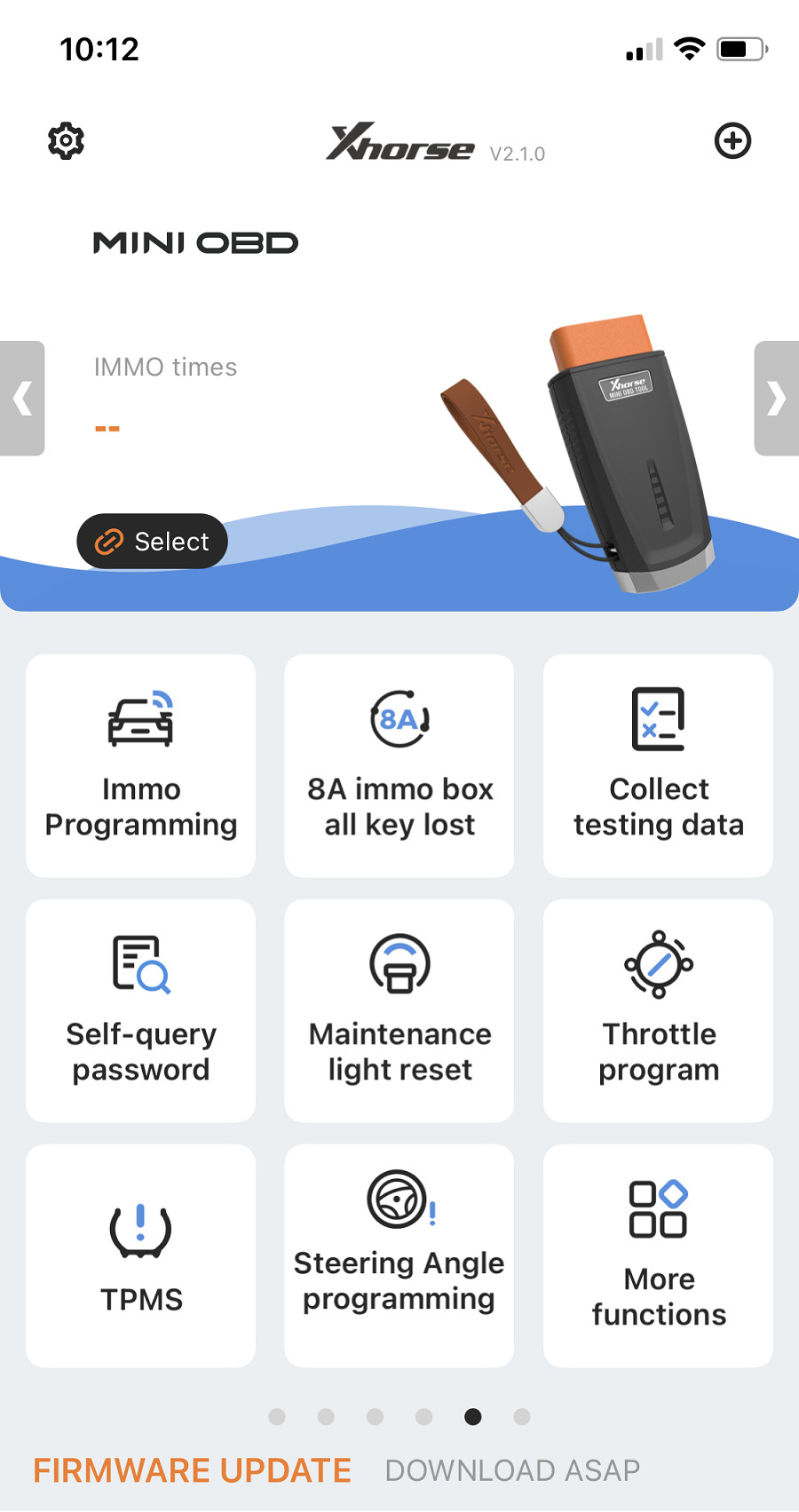
\n
\nNow just Immo Programming Function,8A Immo All key lost (Iphone no support 8A) and Collection Testing Data Function Release
\nOther functions are under development,will release in the future.
\n
\nVVDI MINI OBD Tool IMMO Program Function:
\nSupport reading vehicle data (immobilizer, remote, and transponder, etc) while MINI OBD TOOL is plugged into the car.
\nThe vehicle data will be directly displayed on the KEY TOOL MAX screen/smartphone, and used to instantly generate transponders and remotes.
\n
\n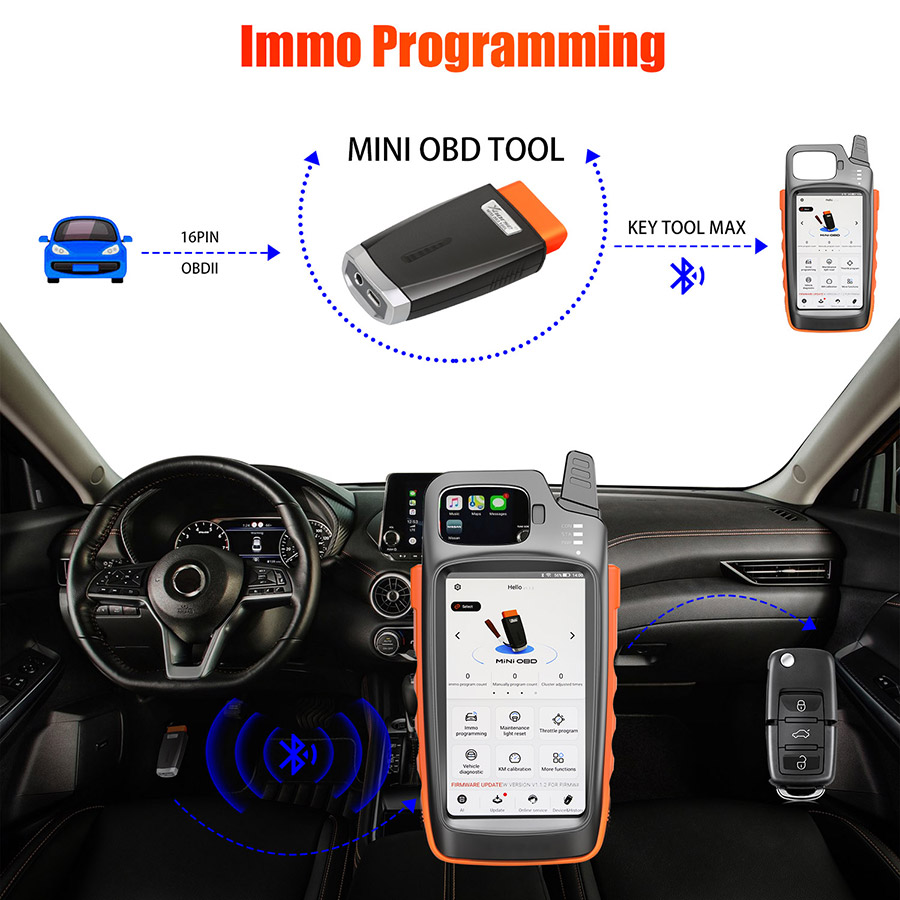
\n
\nHow to Connect Mini OBD with Key Tool Max?
\nThere are 3 ways for Key Tool Max connect to MINI OBD TOOL:
\n1–USBTYPE-C cable
\n2–WIFI
\n3–Bluetooth
\n1) Click on the [Select] on the HOME page,available device will be shown on the screen,choose device to connect according to Serial Number
\n2) Software will detect current device with software interface connection status,WLAN connection status and WIFI connection status.
\n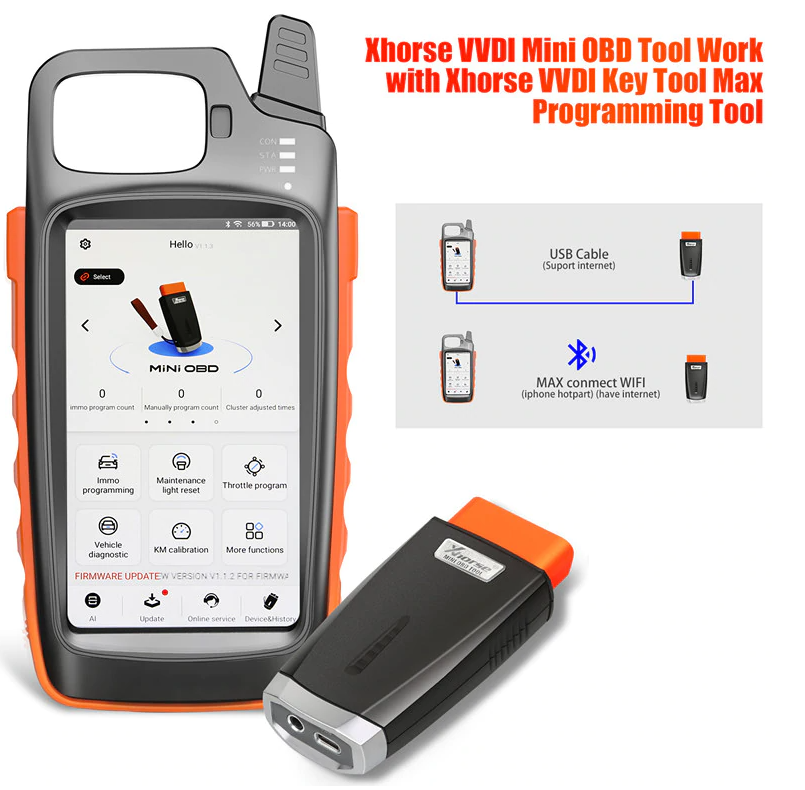
\n
\nVVDI KeyTool Max & Mini OBD Tool Update steps:
\nUpdate need around 10 minutes, ensure device with enough power at least remain more than 20%.
\nDon’t press Power button while update.
\n1.Firmware update. Download the Xhorse Upgrade Kit.
\n Install it on PC, make sure Internet-connected online.
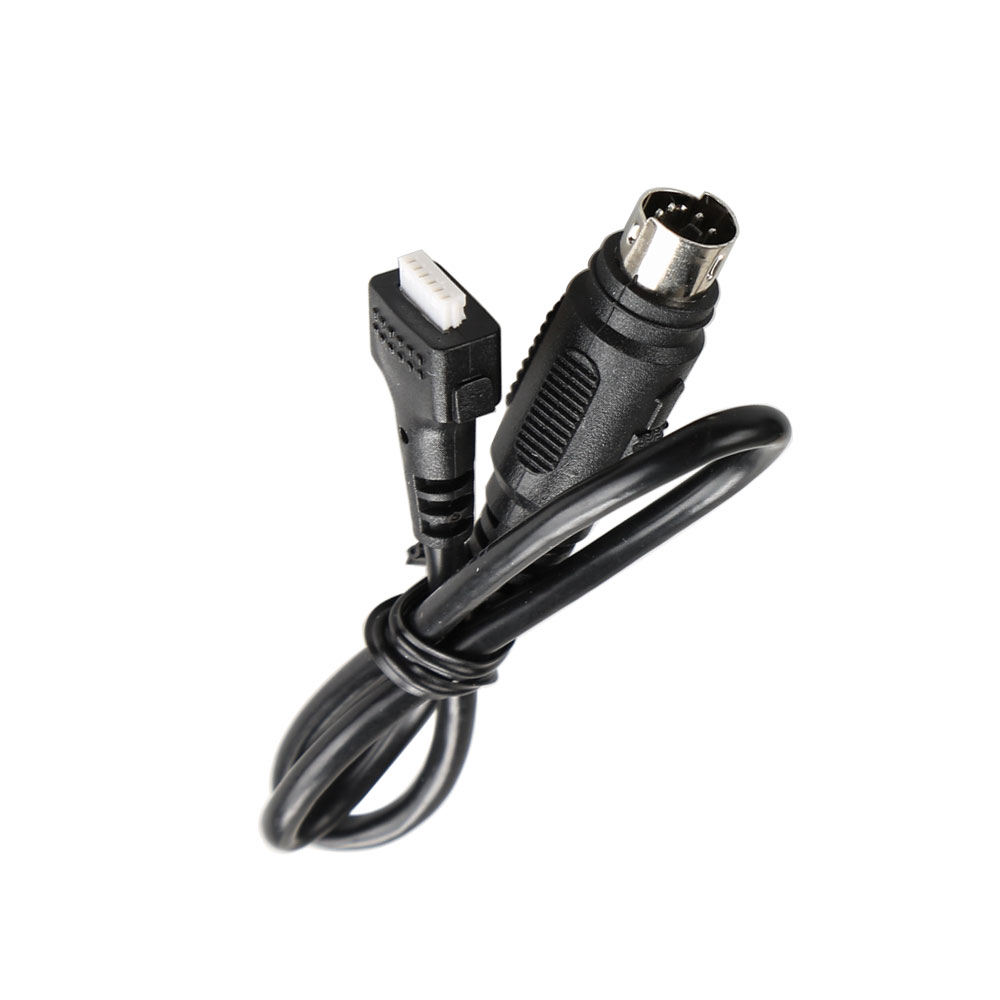
\n2. Connect white USB cable provided on Mini OBD Dongle to PC USB.
\nOr connect mini obd tool with vvdi key tool max to update firmware.
\nConnect WIFI ensure internet is good.
\nThe upgrade kit will Auto Detect your device and update to the next version.
\n
\nV1.3.1 VVDI MINI OBD Tool Update Info:
\n1.add some vehicle data
\n
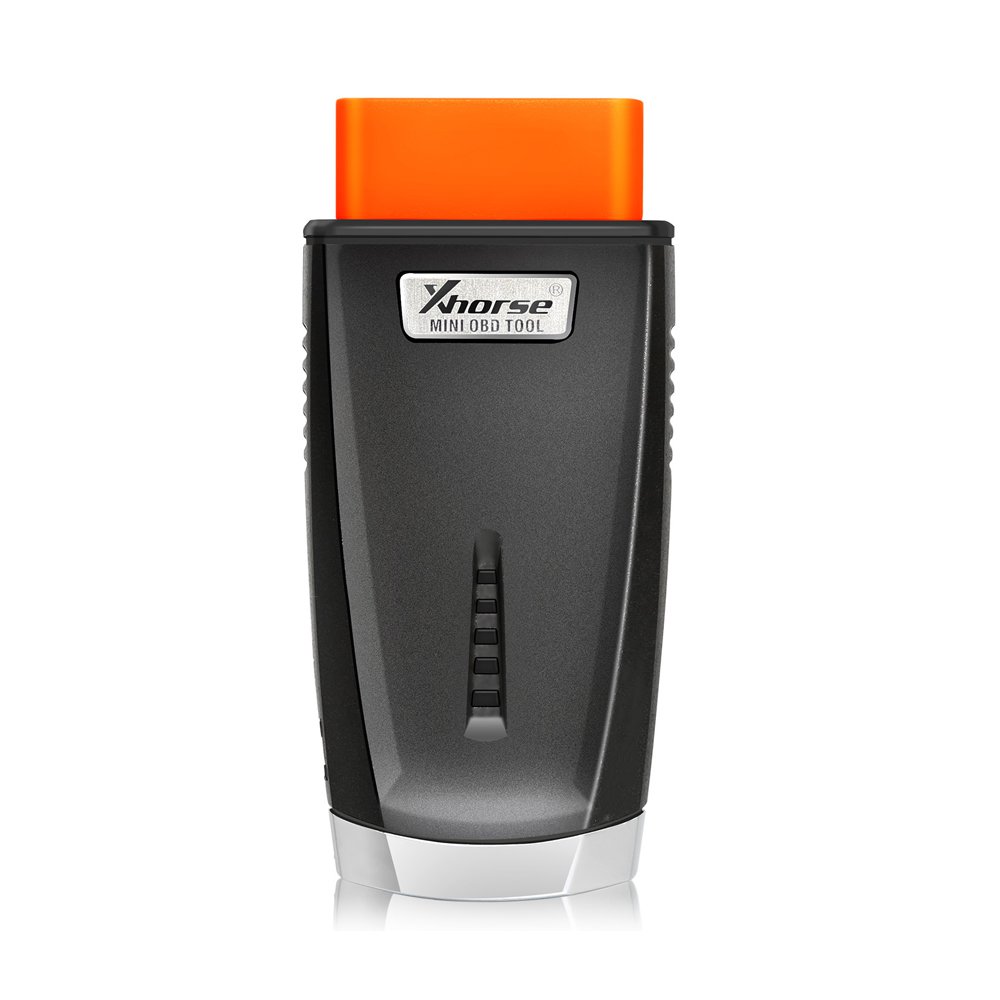
\nMini OBD Appearanceï¼
\n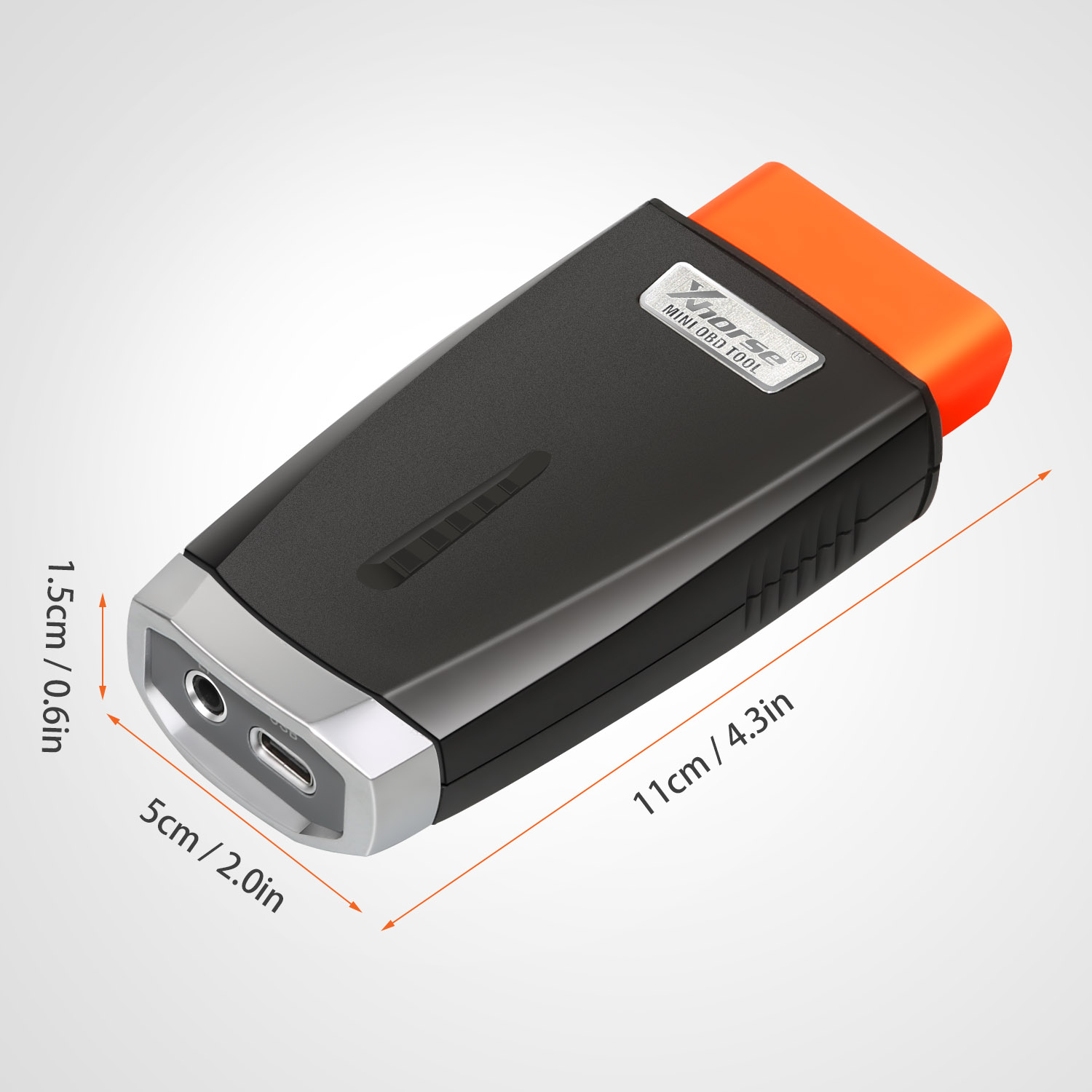
\n
\nMini obd Tool Package List:
\n1pc*VVDI MINI OBD Tool
\n
\n
Reviews
There are no reviews yet.