
Description
Product Description
\n
- Most W204 W207 W212 ESL will damage with EIS. In this case, there are two possible reasons and solution:
- ESL motor is damaged and need to replace a new motor
- NEC chip is locked, theoretically it can be unlock, actually it needs to replace new ESL.
\n
\n
\n
\n
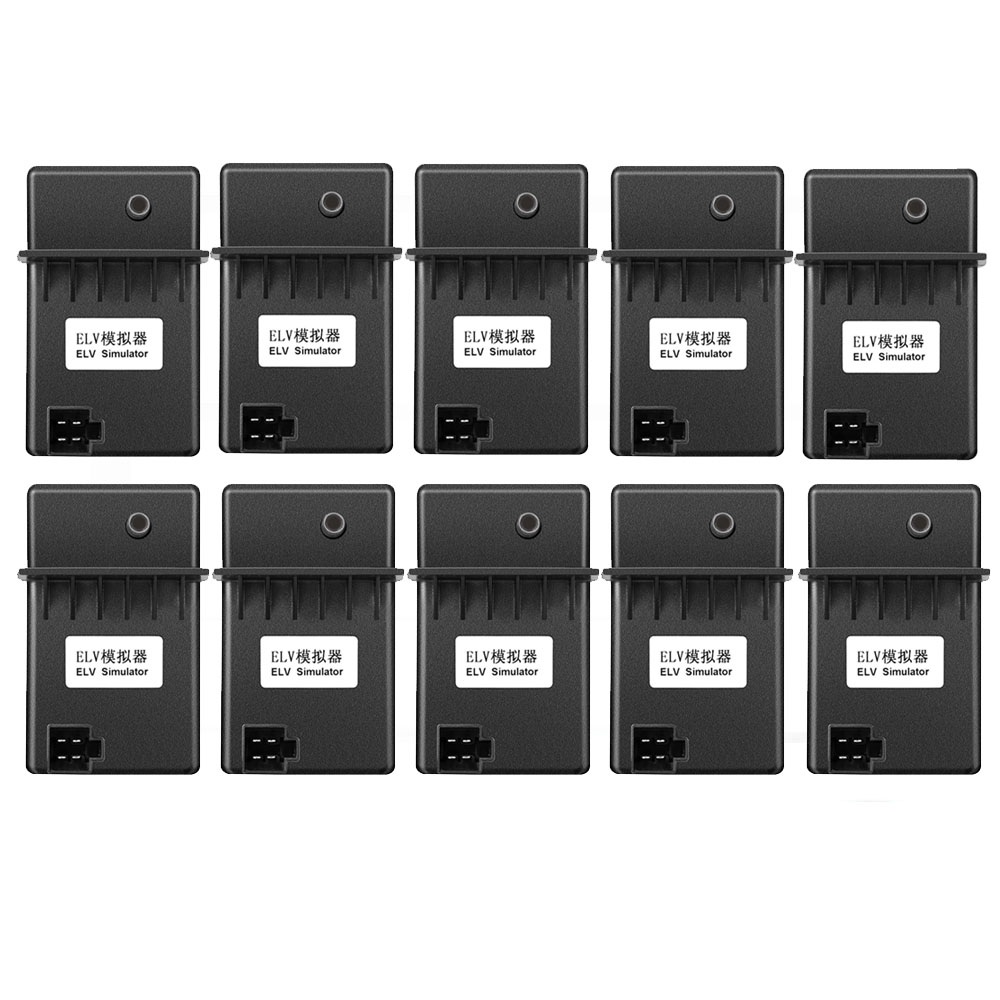
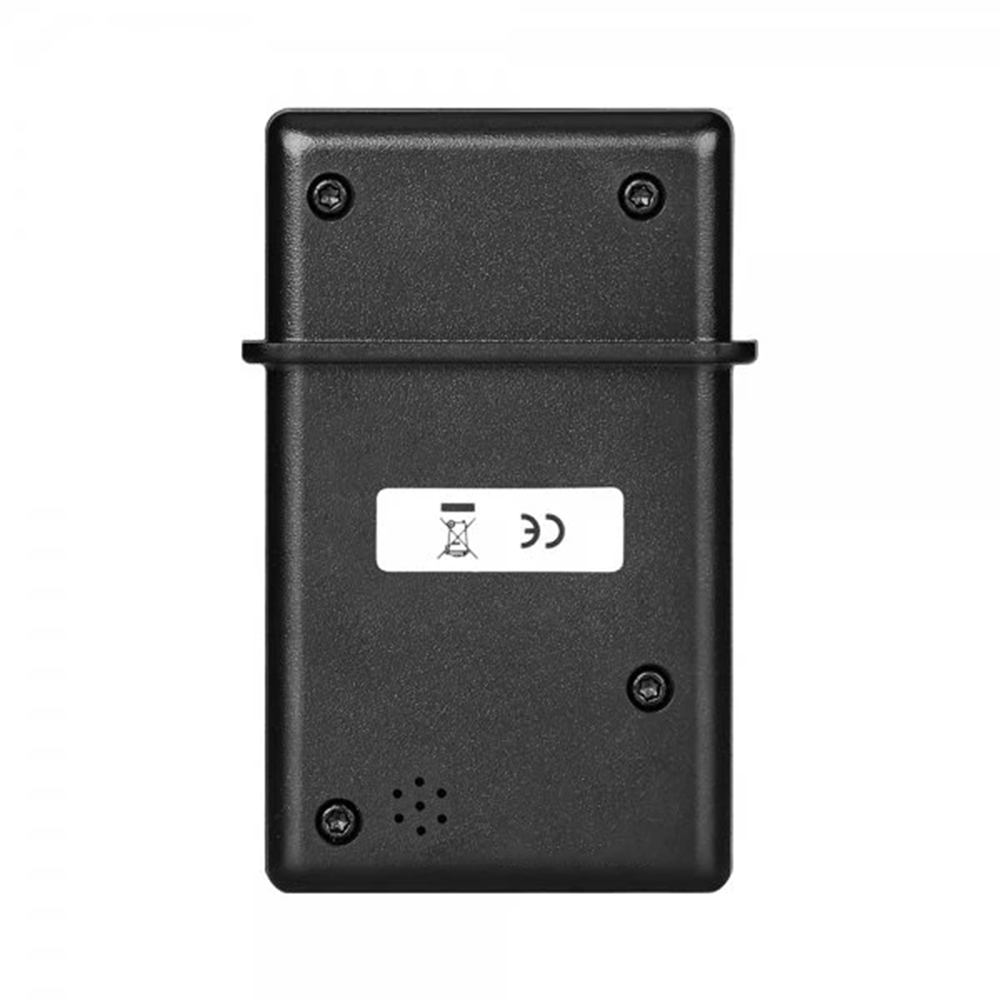
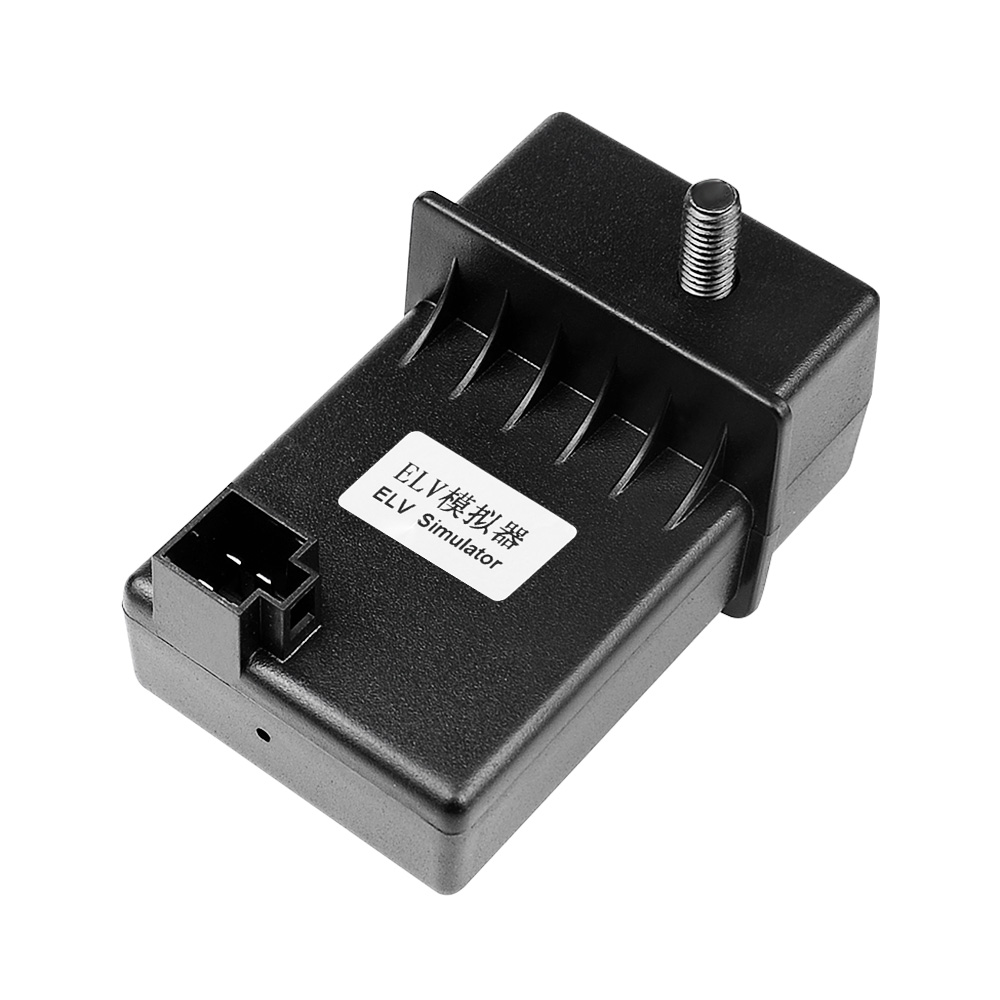
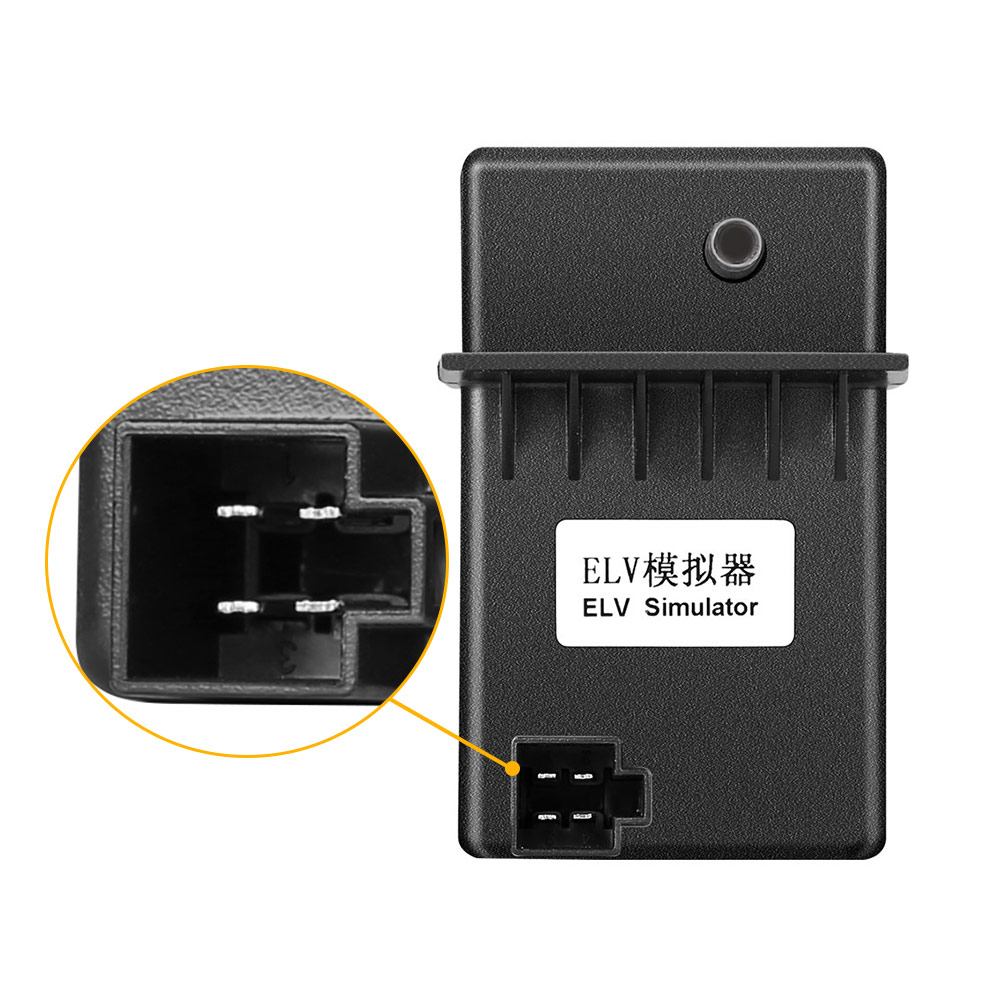
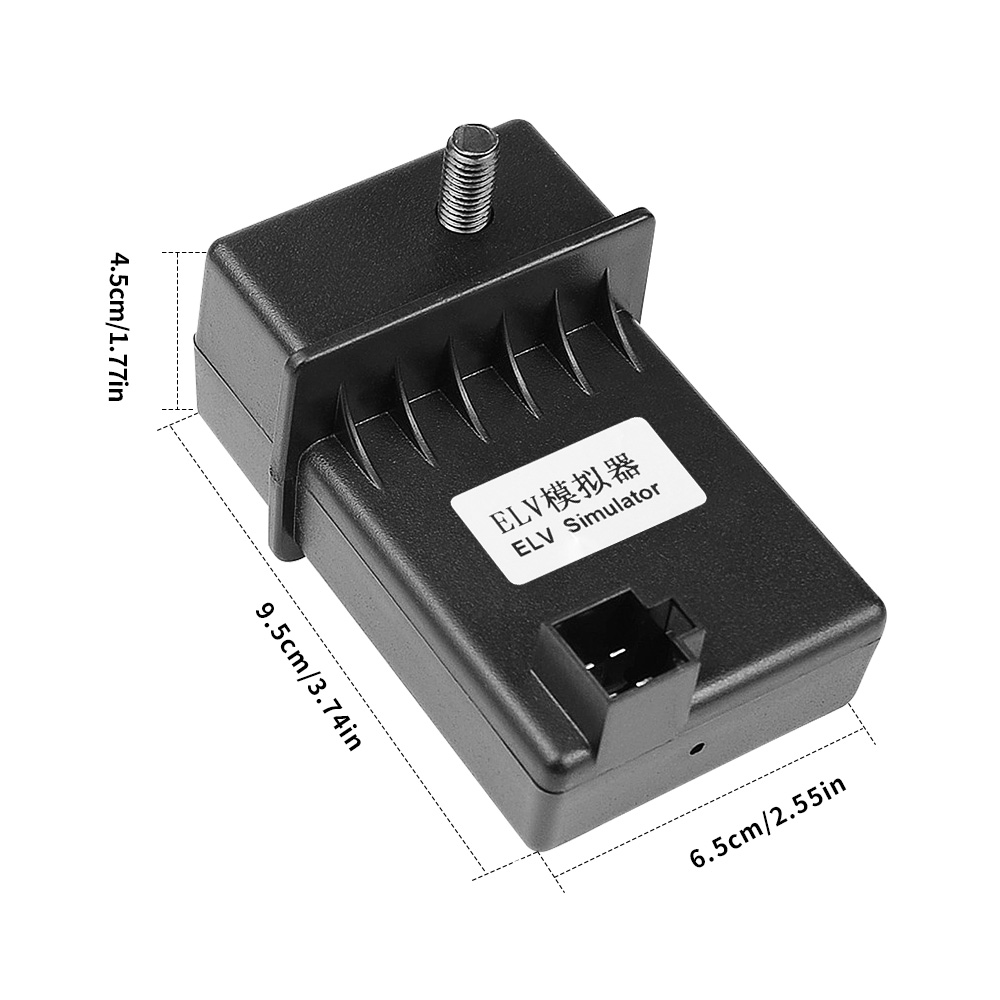
Promotion 10pcs XHORSE ESL Emulator/ELV Emulator for Benz 204 207 212
\nFree shipping by DHL
\n
\n
\n
\n
\n
\n
\n
\n
\n
\n
\nIt’s hard to buy Mercedes 204/207 EIS and they are expensive.
\n
\n
\n
\nHow to tell if the ESL is damaged or NEC is locked?
\n
\nOpen VVDI MB Tool software, Click “Check ESL damage” and you will get any of following display:
\nESL is working: means the motor is damaged and you need a new full set of ESL motor.\n
\nESL is damaged: need to replace new ESL.
\n
\n
\n
\n
\nHow to replace ESL with VVDI MB BGA Tool?
\n
\nStep1.
\nErase EIS, then re-write EIS and personalize ESL, finally ESL is synchronized. Note: if you not erase ESL at first, but only personalize ESL, the ESL won’t be synchronized.
\n
\nTo erase EIS, both Key password and Erase password are required.
\n1) For the key password, you can get it by adding keys.
\n2) For the Erase password, it can be automatically get out by VVDI MB tool at 90% percent success rate, if no success, email us the EIS data for help.
\nAfter input the two passwords, click “Save EIS data” then “Erase EIS”
\n
\nNow the EIS is full new
\n
\n
\n
\n
\nStep2.
\nLoad EIS data
\nTick “IR” to write EIS data and “OBD” to write VIN.
\n
\n
\n
\n
\nStep3. Click “Personalize W204 ESL”
\n
\n
\n
\n
\nStep4.
\nNow, the options “Initialized”, “TP Cleared” and “Personalized” are ticked, except “Activated”
\nInsert the original car key then EIS and ESL is in “Activated” status.
\nFinally renew ESL with success.
\n
\n
\n
\n
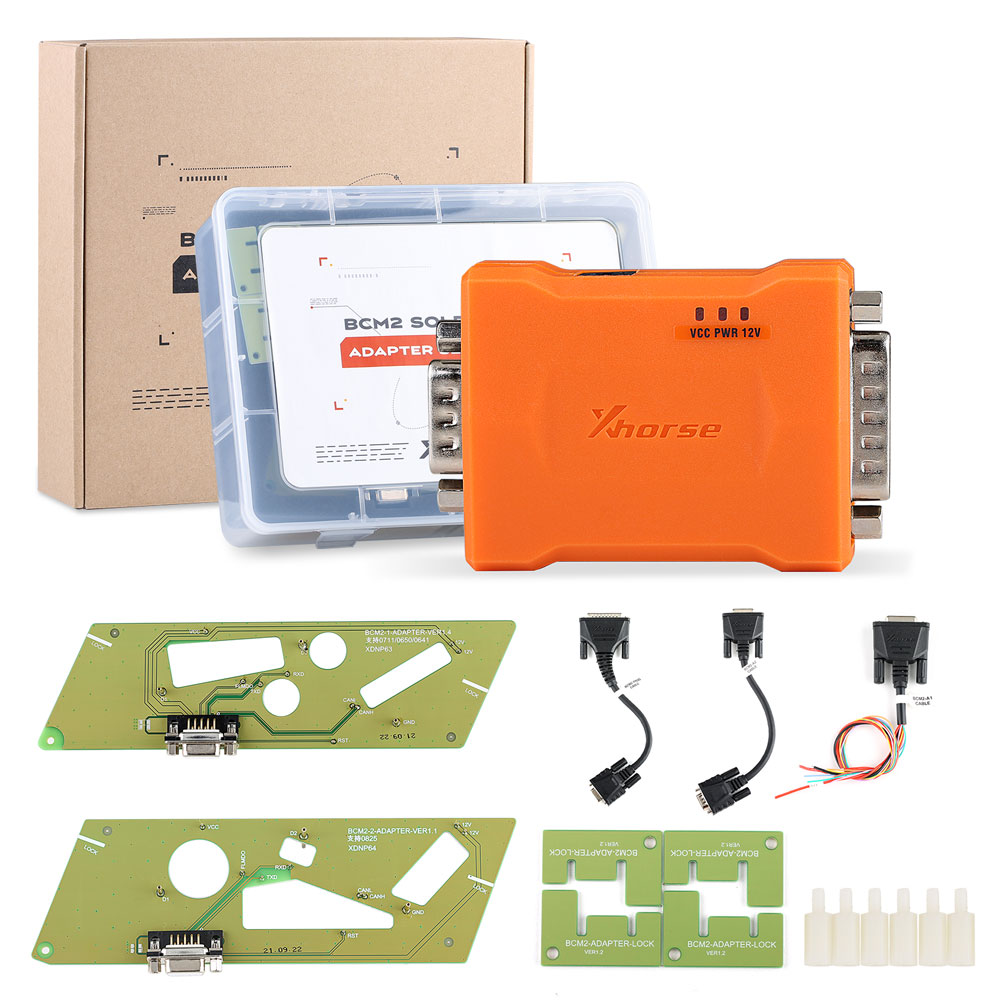
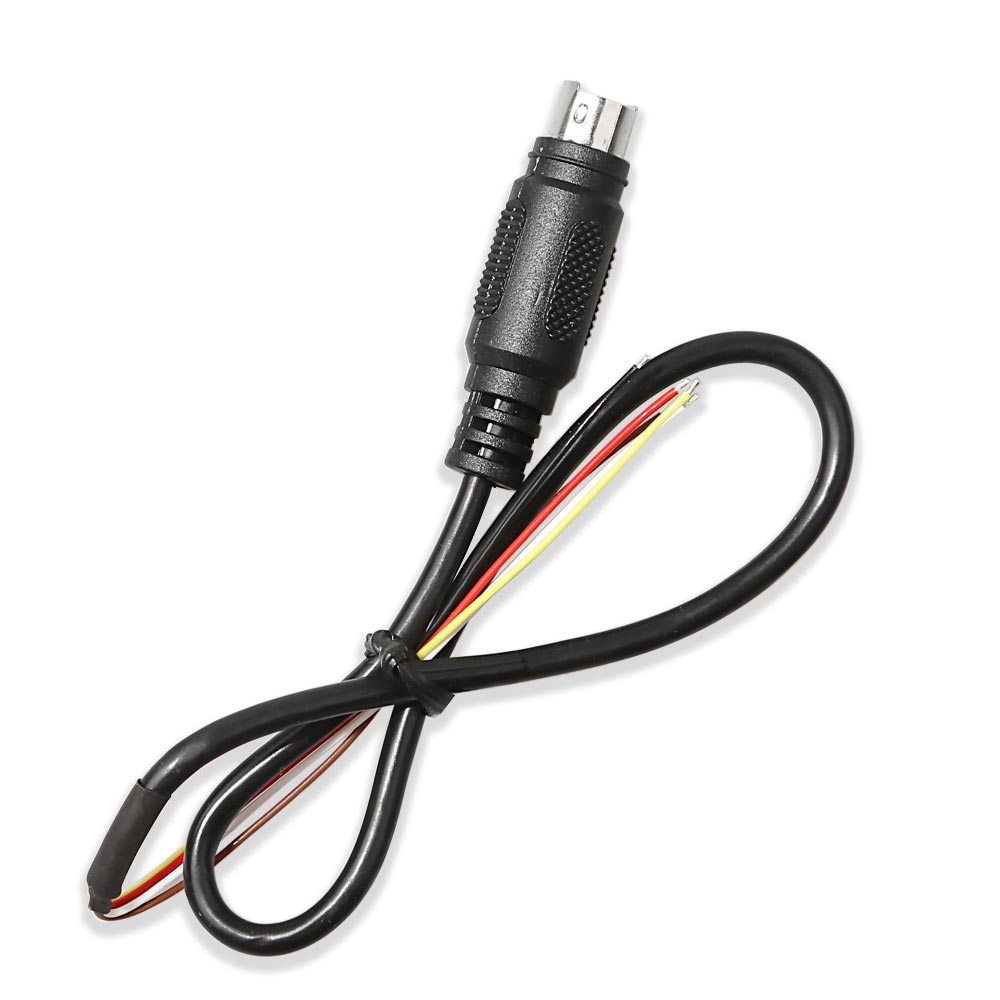
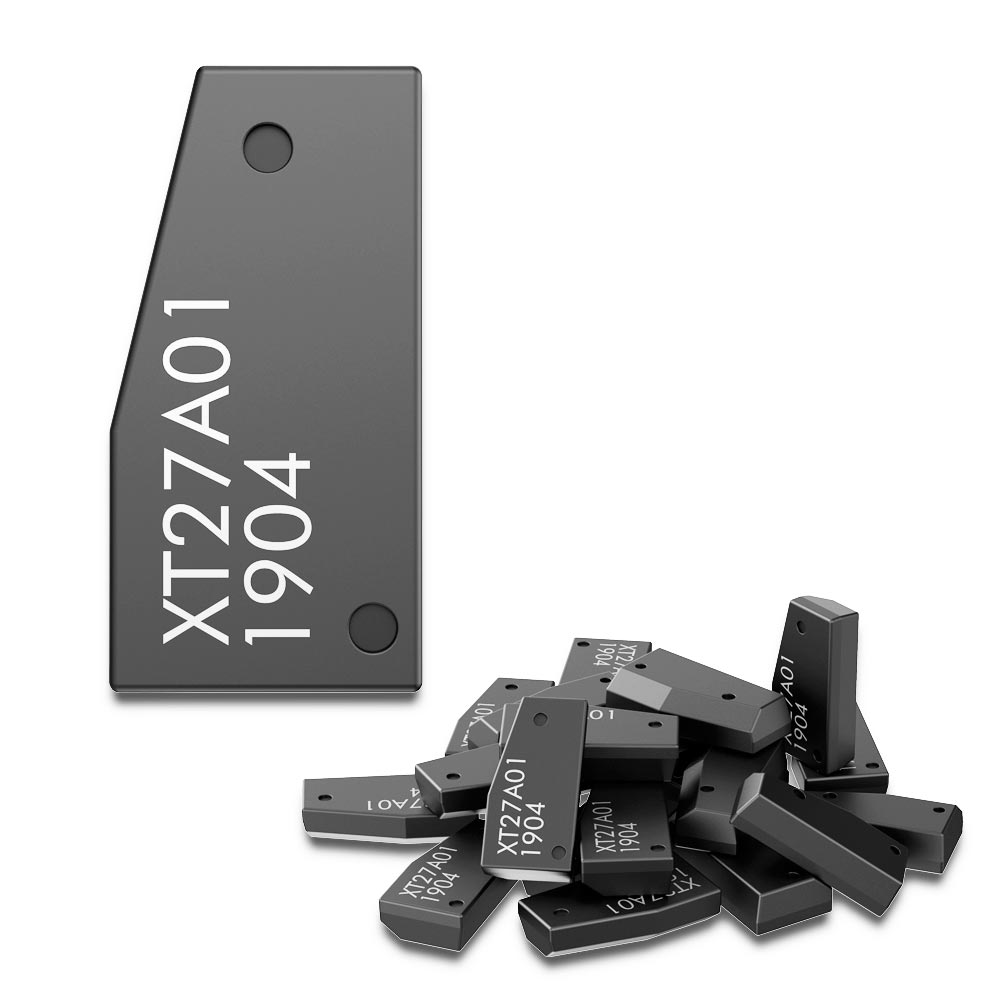
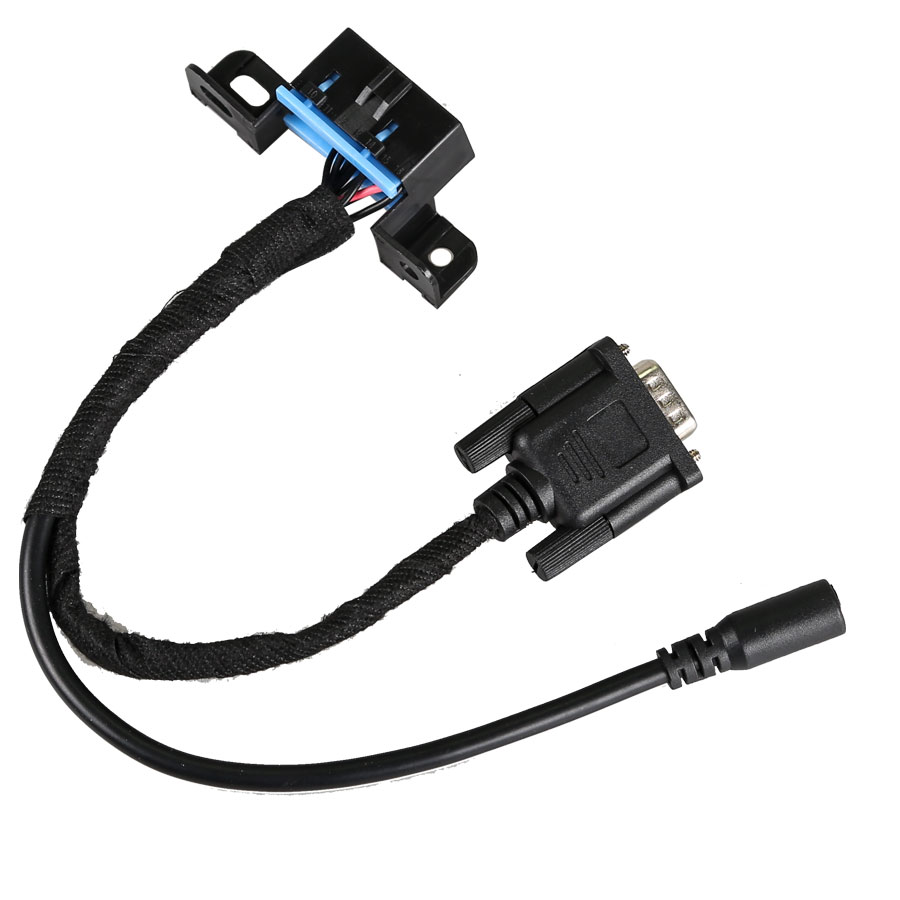
\nPackage including:
\n
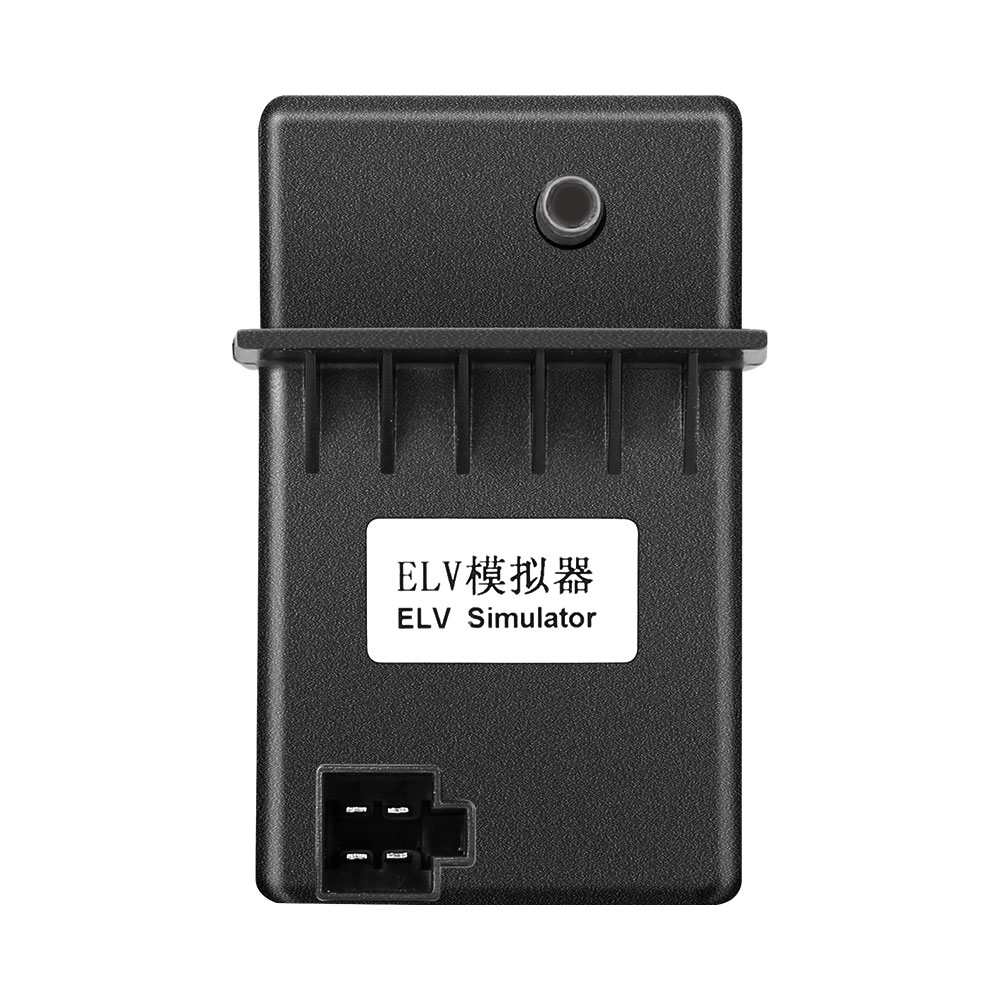
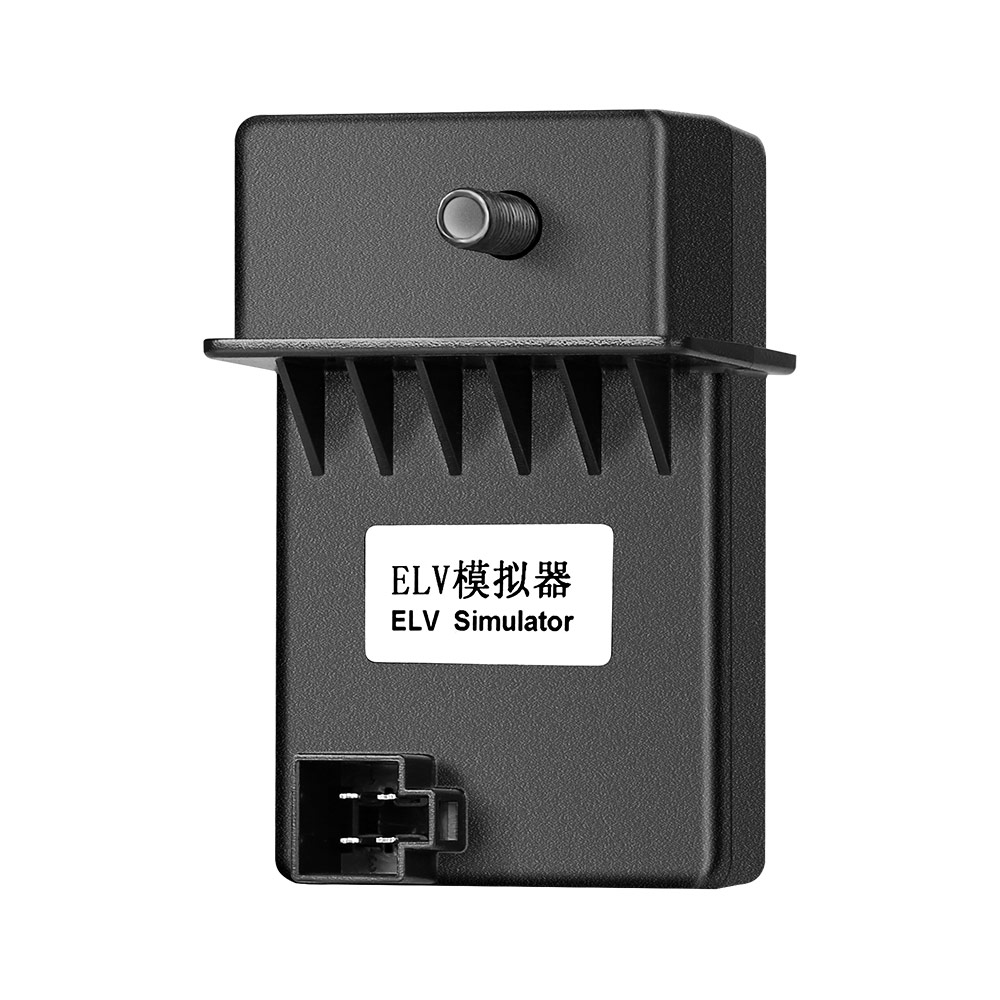
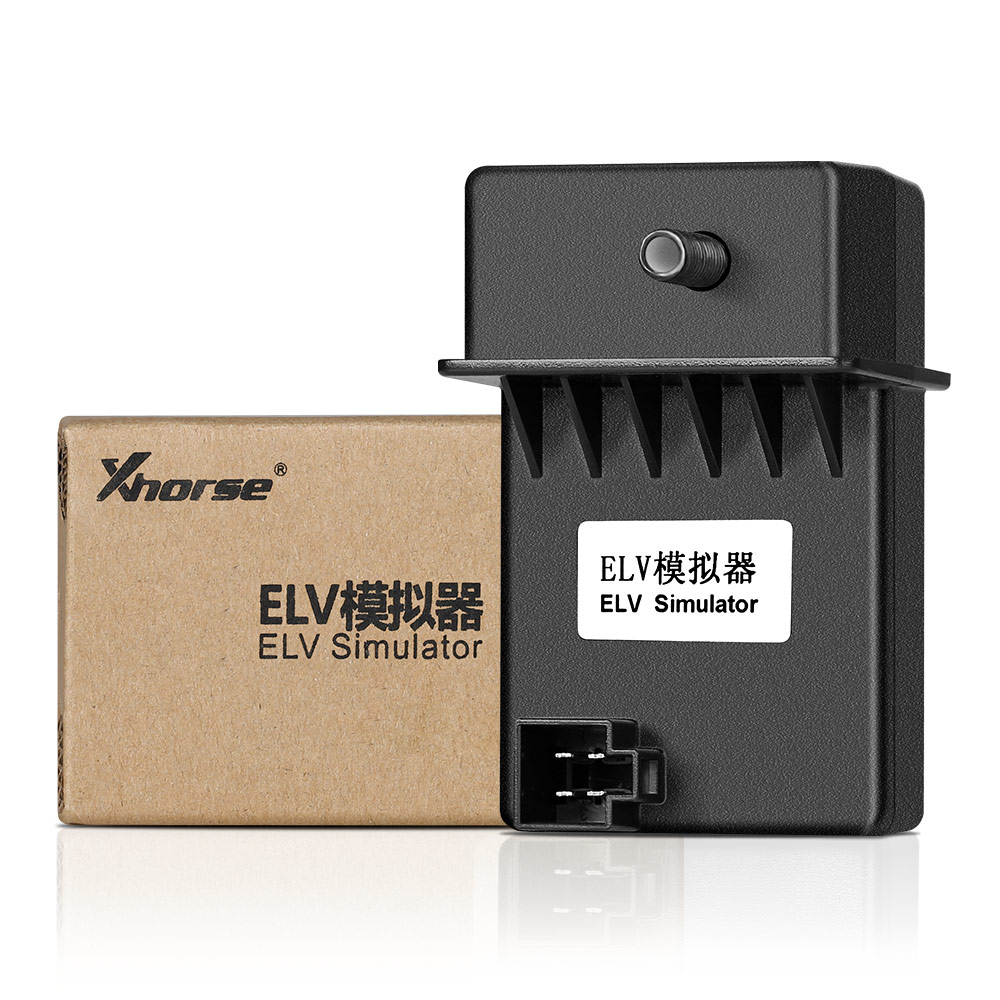
\n1pc x ELV Emulator\n
\n
Reviews
There are no reviews yet.